

How to Launch an App for Business Success Easily
Discover how to launch an app step-by-step, from preparation to go-live. Follow this guide to launch your mobile app confidently and grow your digital business.
Start reading
Over half of all mobile app launches fail due to unclear requirements and misaligned business goals. For south-african founders and global small businesses alike, a clear roadmap is the difference between an app that thrives and one that disappears. Setting specific app goals from the start not only defines your digital direction but helps you avoid costly detours, giving you the structure needed to build scalable solutions that truly connect with your audience.
Table of Contents
- Step 1: Define Your App Goals And Requirements
- Step 2: Develop And Test Your Mobile Application
- Step 3: Prepare Your App For Store Submission
- Step 4: Promote Your App And Engage Users
- Step 5: Monitor Performance And Address Feedback
Quick Summary
Key Message | Explanation |
|---|---|
1. Define clear goals for your app | Establish specific objectives and user problems your app will solve to prevent errors in development later. |
2. Prioritise extensive testing | Allocate at least 30% of development time for thorough testing to identify and resolve issues effectively. |
3. Prepare for app store submission | Ensure compliance with platform guidelines, and gather necessary documentation to avoid submission rejections. |
4. Develop a strategic marketing plan | Engage users through multiple channels to build brand awareness and showcase your app’s value proposition. |
5. Continuously monitor and gather feedback | Implement tools for tracking user experiences and technical performance to guide ongoing app improvements. |
Step 1: Define your app goals and requirements
Successfully launching a mobile app begins with crystal clear goals and strategic requirements. Your initial planning phase sets the foundation for everything that follows in your development journey.
Understanding functional requirements is critical to ensuring your app delivers real value to users. Establishing clear and prioritised requirements helps align app features with both user needs and business objectives while preventing costly redesigns later. Start by mapping out exactly what problems your app will solve and for whom. Are you creating a productivity tool for professionals? A health tracking application? A service marketplace? Each category demands specific considerations.
Break down your requirements systematically by considering multiple dimensions - user experience, technical feasibility, business goals, and market positioning. Create a detailed document outlining core features, target user personas, primary user journeys, and key performance indicators. Remember that requirements are not static technical specifications but a living blueprint that will evolve through development.
Pro tip: Conduct user interviews and gather real world feedback before finalising your app requirements to validate your initial assumptions and identify potential improvements.
Step 2: Develop and test your mobile application
With your requirements clearly defined, you are now ready to transform your app concept into a functional digital product. This stage involves creating a prototype, developing the core application, and rigorously testing its performance across multiple scenarios.

The development process requires careful attention to multiple technical aspects. Mobile app development involves using official software development kits (SDKs) and considering hardware constraints to ensure optimal user experience. Begin by selecting the appropriate development framework for your target platforms, whether that is native development for iOS or Android, or a cross platform solution like React Native or Flutter. Focus on creating a clean, intuitive user interface that responds smoothly to user interactions and provides a seamless experience.
Here’s a quick comparison of native versus cross-platform app development frameworks:
Aspect | Native Development | Cross-Platform Development |
|---|---|---|
Performance | Best for speed and responsiveness | Slightly lower, depends on framework |
Platform Access | Full access to device features | Limited, may need plugins |
Maintenance Effort | Separate codebases per platform | Single shared codebase |
Time to Market | Slower, duplicated effort | Faster to release across platforms |
Testing represents a critical phase that cannot be overlooked. Comprehensive mobile testing validates app functionality, usability, performance, and security across different devices and platforms using both automated and manual techniques. Implement multiple testing strategies including unit testing, integration testing, user acceptance testing, and performance benchmarking. Pay special attention to how your app performs under various network conditions, screen sizes, and operating system versions.
Pro tip: Allocate at least 30% of your total development time to thorough testing and be prepared to iterate based on user feedback and discovered issues.
Step 3: Prepare your app for store submission
With your mobile application developed and thoroughly tested, the next critical phase involves preparing your app for submission to digital marketplaces like Apple App Store or Google Play Store. This process requires meticulous attention to technical requirements, platform guidelines, and presentation details.
Preparing an app for store submission involves understanding and complying with platform specific policies and technical requirements to ensure successful review and approval. Start by gathering all necessary documentation and assets including high resolution screenshots, compelling app icons, detailed descriptions, and privacy policies. Verify that your app meets the specific technical guidelines for each platform such as iOS and Android. Create multiple screenshots showcasing different features and use cases of your application across various device sizes and orientations.
Comprehensive submission preparation requires running local tests, ensuring compliance with repository guidelines, and managing version control effectively. Conduct a final comprehensive review of your app checking for any potential policy violations, performance issues, or security vulnerabilities. Ensure your app metadata is accurate, engaging, and provides clear value proposition to potential users. Double check that all legal requirements are met including age ratings, content classifications, and data usage declarations.
Below is a summary of essential app store submission requirements for major platforms:
Requirement | Google Play Store | Apple App Store |
|---|---|---|
App Icon | 512x512 pixels, PNG | 1024x1024 pixels, PNG |
Screenshots | Up to 8, multiple device support | Up to 10, various devices |
Privacy Policy | Mandatory for all apps | Mandatory for all apps |
Content Rating | Play Console questionnaire | App Store Connect review |
Pro tip: Create a dedicated submission checklist with platform specific requirements to streamline your app store submission process and minimise potential rejection risks.
Step 4: Promote your app and engage users
Launching your mobile application marks the beginning of your digital journey, not the end. Effective promotion and user engagement are crucial for transforming your app from a mere product into a thriving digital ecosystem that delivers real value to your target audience.
Building brand awareness and attracting customers requires a strategic approach to digital marketing that goes beyond simple advertising. Develop a comprehensive marketing strategy that leverages multiple channels including social media, targeted online advertising, content marketing, and strategic partnerships. Create engaging content that highlights your app’s unique value proposition and solves specific problems for your potential users. Utilise platforms like YouTube, LinkedIn, Instagram, and Twitter to showcase app features, share user testimonials, and demonstrate real world applications.
Promoting digital products effectively involves creating an authentic online presence through consistent communication and community engagement. Develop a dedicated website or landing page that provides in depth information about your app, including detailed screenshots, feature explanations, and user guides. Implement search engine optimization strategies to improve your app’s visibility in digital marketplaces and search results. Actively participate in relevant online communities, respond to user feedback, and continuously iterate your app based on user suggestions and market demands.
Pro tip: Track your app’s performance metrics closely and be prepared to pivot your marketing strategy based on real user engagement data and feedback.
Step 5: Monitor performance and address feedback
Successfully launching your mobile application is just the beginning of your digital product journey. Continuous monitoring, performance tracking, and responsive user engagement will determine your long term success and competitive positioning in the market.
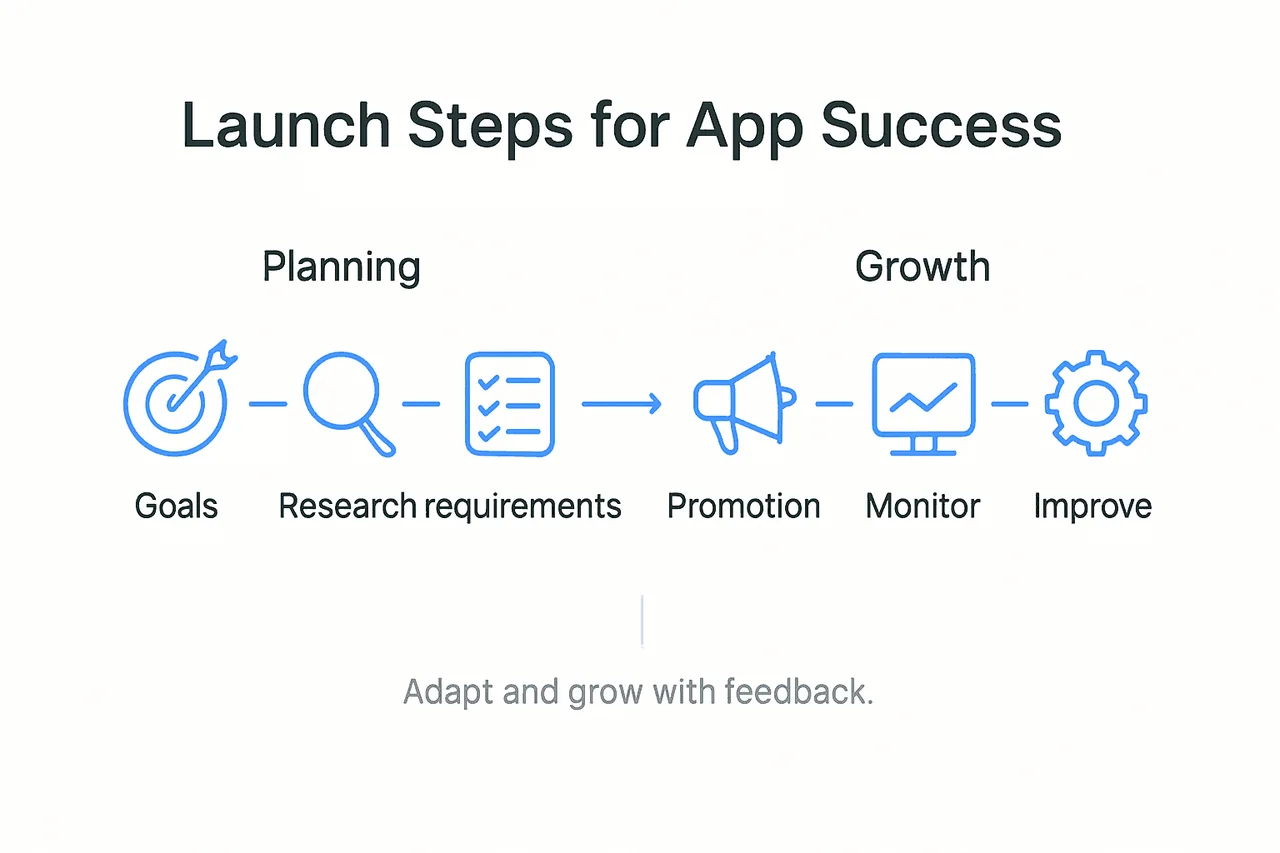
Application Performance Management involves systematic tracking of end-user experiences, resource utilisation, and comprehensive software behaviour metrics to ensure optimal functionality. Implement robust monitoring tools that provide real time insights into user interactions, technical performance, and potential bottlenecks. Track critical metrics such as load times, user retention rates, feature usage patterns, and crash frequencies. Create a structured process for collecting and analysing user feedback through in app surveys, support channels, and app store reviews.
Effective software improvement requires integrating user reviews and performance metrics into an iterative development approach that prioritises continuous enhancement. Develop a systematic method for categorising and prioritising user feedback and technical issues. Establish clear response timelines for addressing critical bugs and implementing user suggested improvements. Consider setting up a dedicated feedback management system that allows you to track, evaluate, and implement user recommendations efficiently. Regular updates that demonstrate you are listening and responding to user needs will build trust and encourage long term user engagement.
Pro tip: Create a dedicated user feedback dashboard that consolidates insights from multiple sources, enabling quick identification of trends and prioritisation of development efforts.
Elevate Your Business Success With Expert App Development
Launching an app that truly resonates with your audience requires more than just great coding. The article highlights challenges like defining clear app goals, choosing the right development framework, and ensuring meticulous testing and user engagement. These steps can be overwhelming without the right expertise and a partner who understands your unique business needs.
At Cloud Fusion, we tackle these exact pain points by offering custom, scalable mobile app and web development solutions crafted specifically for your industry. From detailed requirements analysis to seamless store submission and ongoing user engagement strategies, our team empowers your business to launch and grow with confidence. Explore our tailored solutions in web design and development that integrate the latest technologies and strategic marketing insights.
Ready to transform your app idea into a successful business asset? Visit Cloud Fusion today and secure a consultation to get started with a development partner who prioritises your digital growth and innovation journey.
Frequently Asked Questions
How do I define goals and requirements for my app?
To define goals and requirements for your app, start by identifying the specific problems your app will solve for its users. Map out core features, target user personas, and key performance indicators in a detailed document to create a clear blueprint for your app’s development.
What steps should I take during the app development process?
During app development, create a prototype, choose the right development framework, and focus on building a user-friendly interface. Ensure you allocate at least 30% of your development time to thorough testing across multiple devices and operating systems to validate functionality and performance.
What is required for app store submission?
To prepare for app store submission, gather all necessary assets such as high-resolution screenshots, app icons, and detailed descriptions. Ensure compliance with platform-specific policies by running final tests and verifying that your app meets technical guidelines before submission.
How can I effectively promote my app after launch?
To promote your app effectively, develop a comprehensive digital marketing strategy that includes social media, content marketing, and online advertising. Create engaging content that highlights your app’s unique features and provides solutions to users’ problems, and track performance metrics to refine your strategy as needed.
How do I monitor app performance and respond to user feedback?
Monitor app performance by implementing tracking tools that provide real-time insights into user interactions and technical performance. Establish a structured process for collecting and analysing user feedback, allowing you to prioritise improvements and updates based on real user data.