

Web design and development: Unlock your digital potential
Discover how web design and development drive business ROI. Learn key processes, avoid costly pitfalls, and maximise your digital investment with expert guidance.
Start reading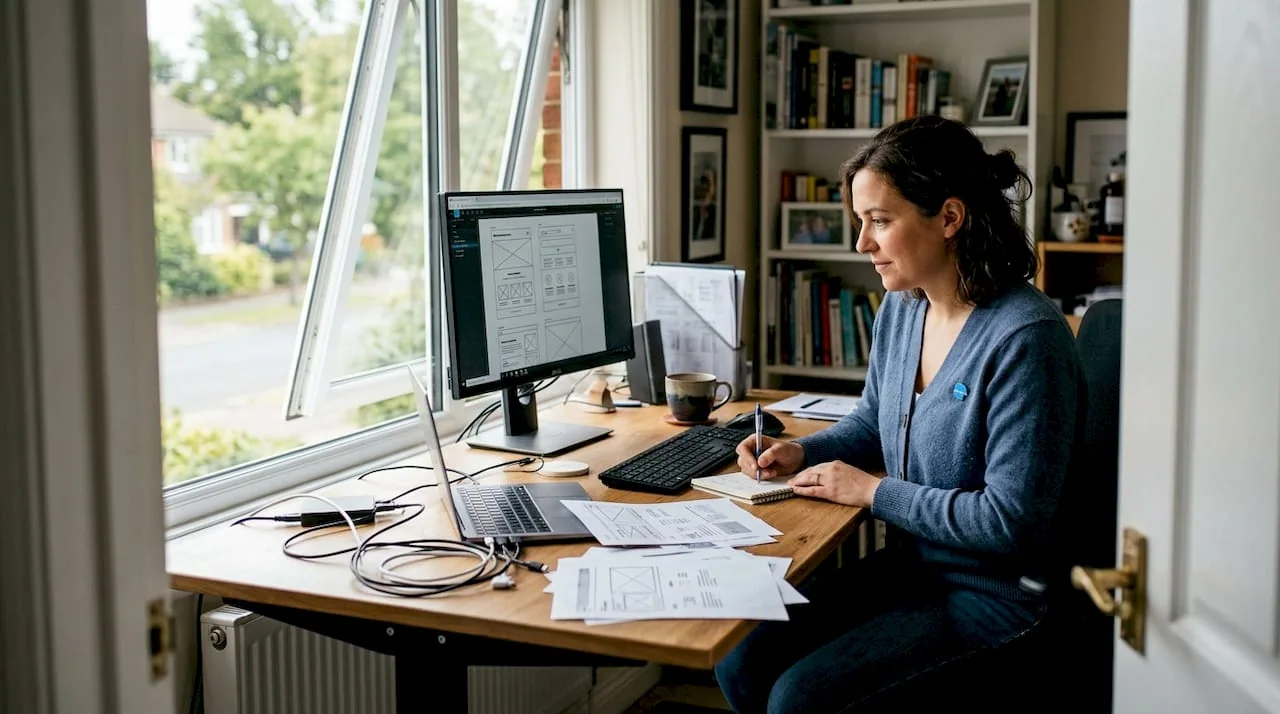
Most businesses treat their website as a digital brochure. They invest in visuals, pick a template, and assume the work is done. Yet every $1 in UX returns $100 in ROI, which means the gap between a site that looks good and one that actually drives revenue is enormous. Web design and development are not interchangeable terms, and confusing them is one of the most expensive mistakes a growing business can make. This guide breaks down what each discipline actually involves, how projects move from concept to launch, and what separates sites that convert from those that quietly drain your marketing budget.
Table of Contents
- Defining web design and web development
- Core processes and key methodologies
- Edge cases and pitfalls: What can break your website
- Web design and development ROI: How to maximise your investment
- The uncomfortable truth: Why most websites fail and what actually works
- Next steps: Get expert web design and development solutions
- Frequently asked questions
Key Takeaways
| Point | Details |
|---|---|
| Design and development defined | Web design shapes appearance and usability while development builds functionality and structure. |
| Smart project management | Hybrid methodologies offer the best mix of budget control and fast response for SMBs. |
| Avoid common pitfalls | Identifying edge cases early, like accessibility and performance, prevents costly mistakes. |
| ROI matters most | Investing in user experience and speed delivers the best business results. |
| Expert help unlocks value | Partnering with seasoned web professionals maximizes digital transformation potential. |
Defining web design and web development
Having set the stage, let’s dig into what these terms actually mean and why the distinction matters for your business decisions.
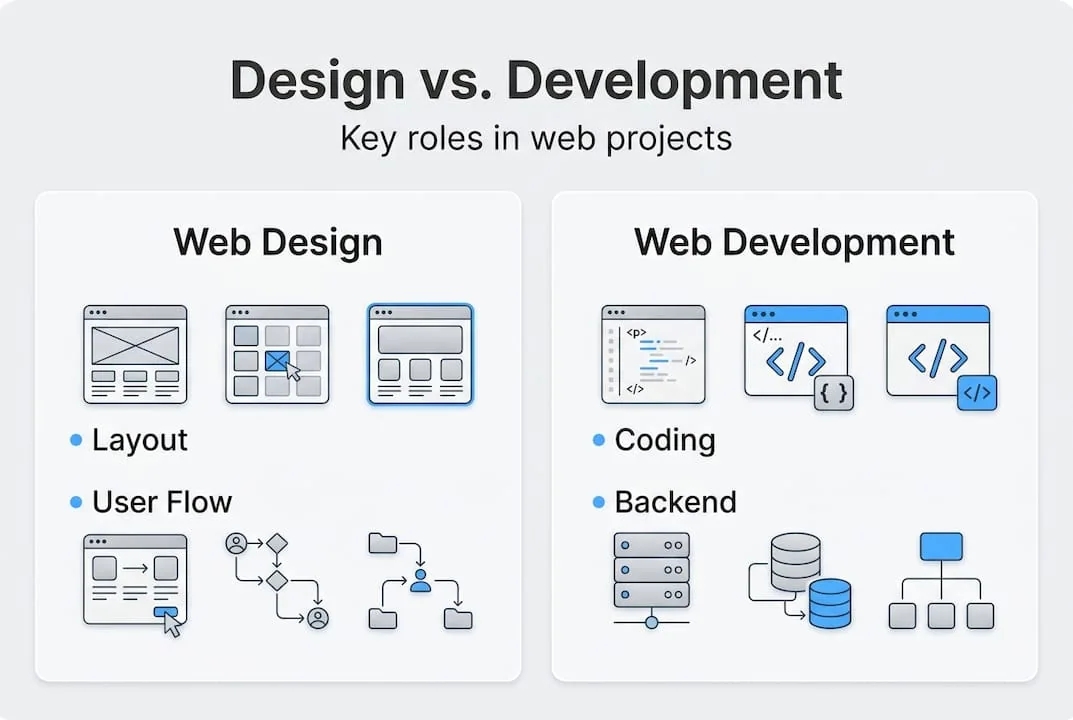
Web design is the process of planning and creating the visual layout, structure, interactive elements, and user experience of a website. It covers colour palettes, typography, spacing, navigation flow, and the overall aesthetic that shapes how users perceive your brand. A skilled web designer thinks in terms of UI/UX fundamentals, ensuring that every visual decision supports usability and guides the visitor toward a desired action.
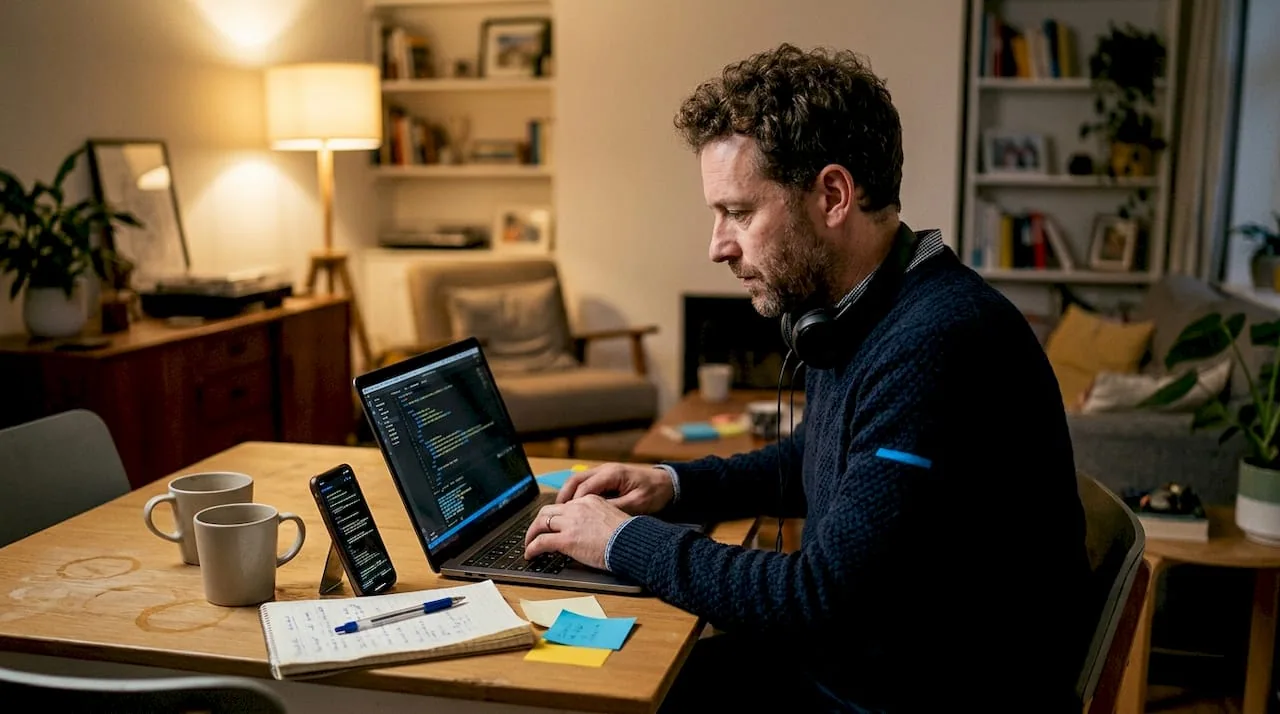
Web development involves building the functionality, structure, and backend of websites using coding languages. Developers take the designer’s blueprint and turn it into a working, interactive system. Front-end developers handle what users see in their browser, while back-end developers manage servers, databases, and application logic. Understanding web design basics alongside development principles helps you ask better questions and avoid costly miscommunication with your project team.
Here is a direct comparison to clarify each discipline:
| Aspect | Web design | Web development |
|---|---|---|
| Primary focus | Visual layout and user experience | Functionality and system architecture |
| Core tools | Figma, Adobe XD, Sketch | HTML, CSS, JavaScript, Python, PHP |
| Key output | Wireframes, prototypes, style guides | Working code, databases, APIs |
| Success metric | Usability, aesthetics, conversion flow | Performance, security, scalability |
| Team role | UI/UX designer | Front-end and back-end developer |
The two disciplines are distinct but deeply interdependent. Design delivers the blueprint; development builds the house. When these teams operate in silos, projects run over budget, timelines collapse, and the final product often fails to meet business objectives. Key reasons why understanding both roles matters:
- Prevents scope creep: Clear role boundaries reduce mid-project surprises.
- Improves communication: You can brief teams accurately and evaluate proposals critically.
- Accelerates delivery: Aligned design and development teams reduce rework cycles.
- Protects investment: Knowing what you are buying prevents overpaying for the wrong service.
For businesses exploring custom web development, this clarity is not academic. It directly influences how you structure contracts, evaluate vendors, and measure success.
Core processes and key methodologies
Now that you know who does what, let’s explore how web projects actually move from idea to reality, and how process choices impact results.
Most web projects follow a recognisable sequence regardless of size or complexity:
- Discovery: Define business goals, target audience, technical requirements, and success metrics.
- Design: Create wireframes, prototypes, and visual style guides based on discovery findings.
- Development: Build the site using agreed technologies, integrating design assets into functional code.
- Testing: Conduct quality assurance across devices, browsers, and user scenarios.
- Launch: Deploy to production, configure hosting, and monitor initial performance.
How you manage these steps matters as much as the steps themselves. Key methodologies include Waterfall, Agile, and Hybrid approaches, each with distinct trade-offs for SMBs and startups.
| Methodology | Best for | Risk profile | Flexibility |
|---|---|---|---|
| Waterfall | Fixed-scope, regulatory projects | Low risk if scope is stable | Low |
| Agile | Evolving requirements, iterative builds | Requires strong client involvement | High |
| Hybrid (Water-Scrum-Fall) | SMBs needing planning with adaptability | Balanced | Medium-High |
Waterfall is predictable and well-documented, making it suitable when requirements are locked and budgets are fixed. Agile suits teams that need to respond to market feedback quickly, releasing incremental versions and refining based on real user data. For most SMBs and startups, a Hybrid approach offers the best balance: structured planning phases combined with iterative sprints that allow course corrections without derailing the entire project.
Your choice of methodology also affects user experience insights and how early UX feedback gets incorporated. Agile and Hybrid models allow UX testing during development, not just after launch, which significantly reduces costly redesigns. Applying sound web usability strategies from the discovery phase ensures that methodology and design intent stay aligned throughout.
Pro Tip: If you are managing a web project for the first time, request a Hybrid framework from your vendor. It gives you a fixed budget estimate for the planning phase while preserving flexibility for design and development iterations as your market understanding grows.
Edge cases and pitfalls: What can break your website
Even with a solid plan, unseen pitfalls can undermine your results. The technical and UX issues that most often derail web projects are not dramatic failures. They are quiet, cumulative problems that erode performance and trust over time.
Edge cases include cross-browser compatibility, accessibility challenges, performance bottlenecks, and handling reduced-motion preferences for users with vestibular disorders. Each of these can affect a significant portion of your audience without ever triggering an obvious error message.
Common pitfalls that damage business outcomes:
- Cross-browser inconsistencies: A layout that renders perfectly in Chrome may break in Safari or older Edge versions, alienating a measurable segment of your visitors.
- Accessibility gaps: Missing alt text, poor colour contrast, and non-keyboard-navigable menus exclude users with disabilities and expose your business to legal risk under accessibility legislation.
- Unoptimised images and scripts: Oversized assets and render-blocking JavaScript are among the leading causes of slow load times, directly impacting conversions.
- Reduced-motion neglect: Animations that cannot be disabled affect users with motion sensitivity, a detail most developers overlook until complaints surface.
“Sites loading in more than 3 seconds see 53% mobile abandonment.” This is not a minor inconvenience. It is a direct revenue leak.
Reviewing performance optimization tips before launch can prevent the majority of these issues. Similarly, integrating accessibility guidelines from the design phase is far less costly than retrofitting compliance after launch. The goal is to enhance user experience at every touchpoint, not just on the homepage.
Pro Tip: Test your site on real physical devices, not just browser emulators. Emulators miss touch interaction issues, font rendering differences, and real-world network latency that affect actual users.
Web design and development ROI: How to maximise your investment
Let’s tie everything together with the business impact and real-world ROI of web design and development decisions.
The US web design market reached $47.4 billion in 2025, reflecting how seriously businesses treat digital presence as a growth asset. Yet many SMBs still underinvest or misallocate their web budgets, chasing aesthetics while neglecting the performance and usability factors that actually drive revenue.
Here is what the numbers say about ROI drivers:
- UX investment: Every $1 in UX returns $100 in ROI, making user experience the highest-leverage investment in your web budget.
- Speed: Sites loading over 3 seconds see 53% mobile abandonment, meaning a slow site actively repels more than half your mobile audience.
- Redesign costs: Basic redesigns range from $6,500 to $15,000, while full rebuilds can reach $75,000, making the case for getting the foundation right the first time.
Key ROI drivers every SMB and startup should prioritise:
- Accessibility: Broadens your addressable market and reduces legal exposure.
- Page speed: Directly correlates with conversion rates and search engine rankings.
- Usability: Reduces bounce rates and increases the average session depth.
- Ongoing iteration: Sites that are regularly updated based on analytics data consistently outperform static builds.
- Mobile optimisation: With mobile traffic dominating most industries, responsive design is a revenue requirement, not a feature.
Strategic decisions around user experience through design compound over time. A site built with performance and usability at its core will continue to generate returns long after launch, while a visually impressive but technically weak site will require expensive remediation within 18 to 24 months. Investing in custom web design ROI from the outset is not a luxury; it is a risk management strategy.
The uncomfortable truth: Why most websites fail and what actually works
Beyond mechanics and numbers, here is what our experience has taught us about why web projects underdeliver.
Most website failures are not caused by bad code or poor aesthetics. They stem from ignoring the full customer journey. Businesses focus on the homepage and forget that users arrive through blog posts, product pages, and campaign landing pages, each requiring its own UX consideration. Poor handoffs between design and development lead to over-budget projects and fragile sites that break under real-world conditions.
Trend-chasing is another silent killer. Minimalism, brutalism, and heavy animation cycles look impressive in agency portfolios but rarely serve the specific conversion goals of an SMB. Beautiful but unoptimised sites consistently fail to convert, regardless of how many design awards they attract.
The businesses that get the best results treat UI/UX mistakes as learning opportunities, not embarrassments. They plan for accessibility and performance from day one, measure outcomes against business goals rather than subjective aesthetics, and keep design and development teams in continuous communication throughout the project lifecycle.
Next steps: Get expert web design and development solutions
If you are ready to turn learning into action, here is how you can move forward with confidence.
At Cloudfusion, we deliver custom web development solutions built around your specific business objectives, not generic templates. Whether you need a high-performance website, a scalable mobile application development solution, or a full digital transformation strategy, our team brings the technical depth and strategic alignment your project demands. Start by requesting a tailored web design quotation and let us help you build a digital presence that delivers measurable, lasting results.
Frequently asked questions
What’s the difference between web design and web development?
Web design sets the visual layout and user experience, while web development builds the underlying functionality and backend systems that make a site work.
Why should startups or SMBs care about edge cases in web design?
Ignoring edge cases like accessibility gaps and cross-browser inconsistencies leads directly to lost customers, potential legal liability, and measurably lower conversion rates.
How much does a typical website redesign cost?
Basic redesigns range from $6,500 to $15,000, while full-scale rebuilds can reach $75,000 depending on complexity and custom functionality requirements.
What project methodology is best for my business web project?
Hybrid methodologies balance structured planning with iterative flexibility, making them the most practical choice for most SMB and startup web projects.
How can I ensure my website gets a high ROI?
Prioritise user experience from the start, since every $1 in UX returns $100 in ROI, and maintain regular performance and usability updates after launch.