

Website compliance requirements in 2026: essential guide
Discover critical website compliance requirements for 2026 including ADA accessibility standards, WCAG 2.1 AA conformance, and updated CCPA privacy regulations to protect your business.
Start reading
Website compliance lawsuits surged dramatically in 2025, with ADA cases jumping 37% compared to the previous year. Most businesses remain unaware they’re vulnerable until legal notices arrive. Your website must meet evolving accessibility and privacy standards to avoid costly litigation and serve all customers effectively. This guide breaks down the critical compliance requirements for 2026, explains what ADA and WCAG standards mean for your business, and provides actionable steps to protect your organization while improving user experience across your digital presence.
Table of Contents
- Understanding Your Website Compliance Landscape In 2026
- Critical Website Accessibility Requirements And How To Meet Them
- Understanding Privacy Compliance: Ccpa And Cookie Consent Updates For 2026
- Practical Steps For Achieving And Maintaining Ongoing Website Compliance
- Achieve Website Compliance With Cloudfusion’s Expert Solutions
- Frequently Asked Questions About Website Compliance
Key takeaways
Point | Details |
|---|---|
Lawsuit surge | ADA website accessibility lawsuits increased 37% in 2025, primarily targeting e-commerce sites |
April 2026 deadline | Public websites must achieve WCAG 2.1 AA conformance by government mandate |
Privacy expansion | CCPA regulations now cover neural data and impose stricter cookie consent requirements |
Critical fixes | Top violations include missing alt text, broken keyboard navigation, and insufficient color contrast |
Dual benefits | Compliance reduces legal exposure while expanding market reach to customers with disabilities |
Understanding your website compliance landscape in 2026
Website compliance sits at the intersection of civil rights law and technical standards. The ADA prohibits discrimination against individuals with disabilities, and courts increasingly interpret this to include digital properties as public accommodations. Your website falls under this umbrella regardless of whether you operate a physical location.
WCAG 2.1 AA serves as the technical benchmark for accessibility compliance. These guidelines provide measurable criteria for making web content perceivable, operable, understandable, and robust for users with diverse disabilities. The April 2026 federal deadline for public websites marks a significant enforcement milestone, but private sector sites face similar expectations through litigation.
Three key compliance frameworks shape your obligations:
- Accessibility standards ensure people with visual, auditory, motor, or cognitive disabilities can navigate and interact with your site
- Privacy regulations govern how you collect, store, and use personal information from visitors
- Security requirements protect user data from breaches and unauthorized access
Legal interpretations continue evolving rapidly. The Ninth Circuit ruled websites qualify as public accommodations even without physical locations, expanding liability significantly. Understanding website accessibility guidelines helps you navigate this complex landscape.
Compliance isn’t just about avoiding lawsuits. It’s about building an inclusive digital experience that serves your entire potential customer base effectively.
The business case extends beyond legal protection. Approximately 15% of the global population experiences some form of disability. Making your website accessible expands your addressable market while demonstrating corporate social responsibility. Review the ADA compliance guide to understand how these principles apply to your specific industry.
Critical website accessibility requirements and how to meet them
WCAG 2.1 AA establishes specific technical criteria your website must satisfy. The top violations in ADA lawsuits include alt text, heading structure, keyboard navigation, interactive elements, and form fields. Each represents a barrier preventing users with disabilities from accessing your content or completing transactions.
Implement these essential fixes systematically:
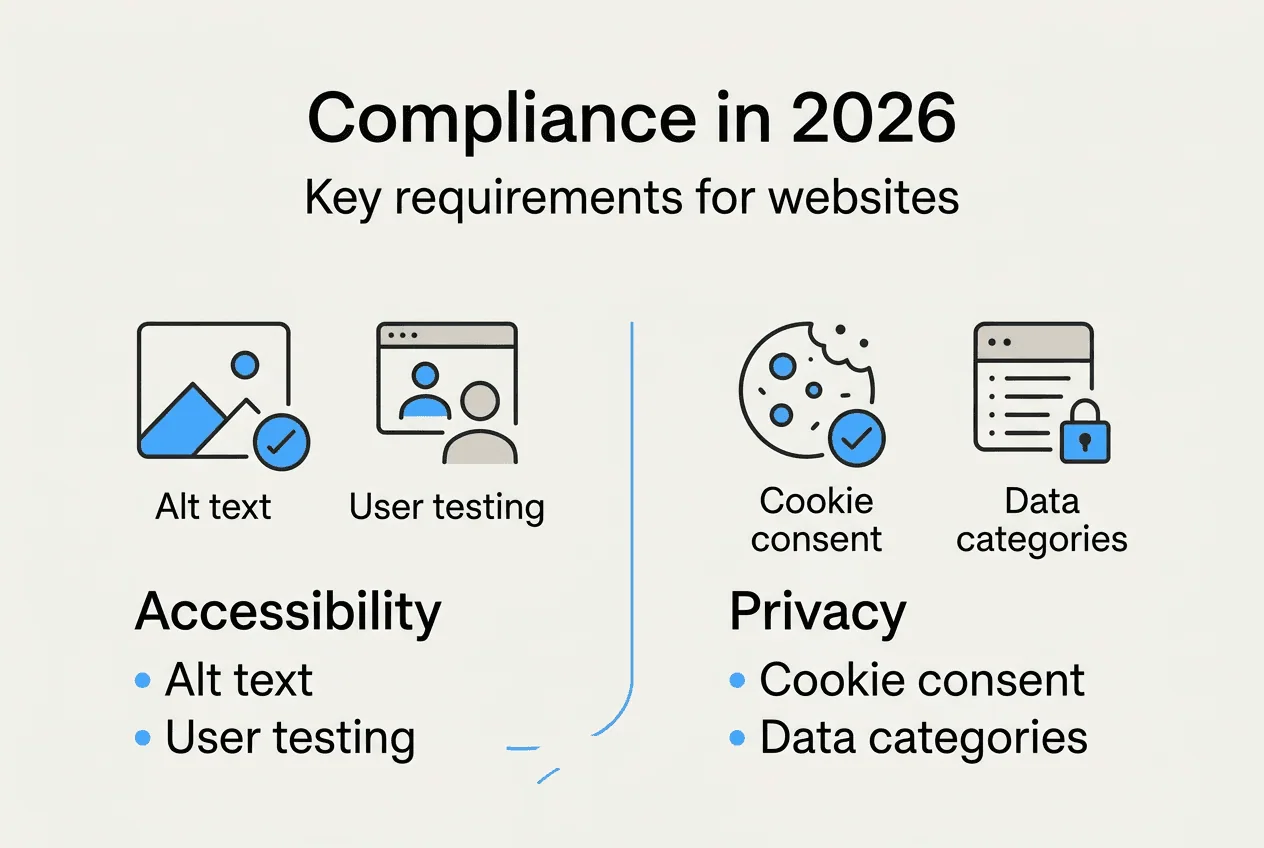
- Add descriptive alt text to every image that conveys information or functionality
- Structure content with proper heading hierarchy (H1, H2, H3) for screen reader navigation
- Ensure all interactive elements work via keyboard without requiring a mouse
- Maintain minimum 4.5:1 color contrast ratios between text and backgrounds
- Provide clear labels and instructions for all form fields and inputs
- Include captions and transcripts for video and audio content
Common violations versus compliant solutions:
Violation | Compliant Solution |
|---|---|
Generic alt text like “image123.jpg” | Descriptive text explaining image content and purpose |
Navigation only works with mouse clicks | Full keyboard support with visible focus indicators |
Low contrast gray text on white background | Dark text meeting 4.5:1 minimum contrast ratio |
Form errors without clear explanations | Specific error messages with correction guidance |
Videos without captions | Synchronized captions and audio descriptions |
Publish an accessibility statement on your website demonstrating your commitment to inclusive design. This document should outline your conformance level, known limitations, and contact information for users who encounter barriers. Understanding the importance of web accessibility helps frame this as a business opportunity rather than just a compliance burden.
Pro Tip: Conduct user testing sessions with people who have disabilities to identify real-world accessibility barriers your automated tools might miss. Their feedback reveals usability issues that technical audits alone cannot detect.
Accessibility extends beyond initial development. Regular monitoring ensures new content and features maintain compliance as your site evolves. Familiarize your content creators with website accessibility standards so they produce accessible materials from the start. Reference the official WCAG guidelines for detailed technical specifications on each success criterion.

Understanding privacy compliance: CCPA and cookie consent updates for 2026
Privacy regulations underwent significant expansion for 2026. The California Privacy Protection Agency approved new CCPA rules effective January 1, 2026, broadening the definition of sensitive personal information to include neural data and information from individuals under 16. These changes impose stricter consent requirements that affect how your website handles tracking and data collection.
The consent framework shifted dramatically. You cannot obtain valid consent through pre-checked boxes, dismissing pop-ups, or continuing to browse mechanisms. Users must take affirmative action specifically agreeing to data collection before you place non-essential cookies or tracking technologies on their devices. This applies to analytics tools, advertising pixels, and social media integrations.
Implement these privacy best practices:
- Deploy cookie consent banners that require explicit opt-in before setting non-essential cookies
- Provide granular controls allowing users to accept or reject specific cookie categories
- Update your privacy policy to reflect all data collection, processing, and sharing activities
- Implement mechanisms for users to access, delete, and port their personal information
- Maintain records documenting consent choices and honoring user preferences across sessions
- Conduct data mapping to identify all personal information your site collects and where it flows
Cross-border businesses face additional complexity. If you serve customers in multiple jurisdictions, you must comply with the most stringent applicable regulations. European GDPR requirements often exceed CCPA standards, while other regions implement their own frameworks. Understanding POPI GDPR compliance helps you navigate these overlapping obligations.
Pro Tip: Review your cookie banner implementation and privacy policy quarterly to ensure alignment with evolving regulations. Many businesses set up compliant systems initially but fail to maintain them as laws change or their data practices evolve.
The sensitive personal information category now includes biometric data, precise geolocation, and contents of communications. If your website collects any of these data types, you must provide conspicuous notice and obtain explicit consent before processing. Consider whether you genuinely need this information or if less invasive alternatives could serve your business purposes equally well.
Practical steps for achieving and maintaining ongoing website compliance
Compliance requires systematic planning and execution. Meeting WCAG standards typically requires 2+ months due to audit complexity and remediation scope. Rushing through the process often creates gaps that leave you vulnerable to legal action or result in poor user experiences.
Follow this implementation roadmap:
- Conduct comprehensive accessibility and privacy audits using automated tools and manual testing
- Prioritize violations based on severity, user impact, and legal risk exposure
- Develop detailed remediation plans with specific tasks, owners, and deadlines
- Implement fixes systematically, testing each change before moving to the next
- Document all compliance activities, decisions, and ongoing monitoring procedures
- Train content creators and developers on accessibility and privacy requirements
- Establish review processes ensuring new features meet standards before launch
Typical compliance project timeline:
Phase | Duration | Key Milestones |
|---|---|---|
Initial audit | 2-3 weeks | Complete accessibility scan, privacy assessment, documentation review |
Remediation planning | 1-2 weeks | Prioritize fixes, assign resources, establish timeline |
Implementation | 6-10 weeks | Fix critical issues, update policies, deploy consent mechanisms |
Testing and validation | 2-3 weeks | User testing, automated verification, documentation updates |
Ongoing monitoring | Continuous | Monthly audits, quarterly policy reviews, staff training |
Avoid these common pitfalls:
- Treating compliance as a one-time project rather than ongoing commitment
- Relying exclusively on automated tools without manual testing or user feedback
- Implementing accessibility overlays that create additional barriers for assistive technology users
- Copying privacy policies from templates without customizing for your actual practices
- Failing to update compliance measures when adding new features or third-party integrations
Regulations and technical standards evolve constantly. Subscribe to updates from regulatory agencies and industry organizations to stay informed about changes affecting your obligations. Understanding key factors for good websites helps you build compliance into your broader digital strategy rather than treating it as an afterthought.
Compliance intersects with overall website quality. Many accessibility improvements simultaneously enhance SEO, mobile usability, and conversion rates. Semantic HTML structure benefits both screen readers and search engines. Clear navigation helps all users find information efficiently. View compliance through this lens of universal design rather than as a burden imposed by regulation. Reference digital accessibility standards for industry perspectives on implementation approaches.
Achieve website compliance with Cloudfusion’s expert solutions
Navigating website compliance requirements demands specialized expertise across accessibility, privacy, and security domains. Cloudfusion delivers comprehensive solutions that ensure your digital presence meets all legal standards while providing exceptional user experiences. Our team builds compliance into every project from the ground up through custom web development tailored to your industry requirements.
We provide end-to-end support including accessibility audits, remediation implementation, privacy policy development, and ongoing monitoring. Our secure web hosting infrastructure protects user data while delivering fast, reliable performance. Whether you need a complete website overhaul or targeted compliance improvements, our digital online solutions help you meet legal obligations while achieving your business objectives. Let us handle the technical complexity so you can focus on serving your customers.
Frequently asked questions about website compliance
What industries face the highest website compliance risk?
Retail, hospitality, financial services, and healthcare face elevated risk due to high transaction volumes and sensitive data handling. However, all businesses with public-facing websites carry potential liability regardless of industry. Courts have ruled against companies across sectors, making compliance universal rather than industry-specific.
How much does website compliance typically cost?
Costs vary dramatically based on site complexity, existing accessibility gaps, and chosen implementation approach. Basic compliance for small business sites might cost $5,000 to $15,000, while enterprise implementations can exceed $100,000. Ongoing maintenance typically requires 10-20% of initial investment annually. Weigh these costs against potential lawsuit settlements averaging $10,000 to $50,000 plus legal fees.
Can accessibility overlays make my website compliant?
No. Accessibility overlays often create additional barriers for users with disabilities while providing false security to website owners. These tools cannot fix underlying code issues and frequently interfere with assistive technologies. Courts consistently reject overlay implementations as insufficient compliance measures. Proper remediation requires fixing source code and content.
What happens if I receive an ADA lawsuit notice?
Consult an attorney immediately specializing in digital accessibility litigation. Most cases settle before trial, typically requiring compliance implementation plus monetary compensation. Document your good faith efforts toward accessibility, as demonstrated commitment can influence settlement terms. Never ignore legal notices, as default judgments carry severe consequences.
How do I maintain compliance as my website evolves?
Establish governance processes integrating compliance checks into your development workflow. Train all content creators on accessibility requirements and implement automated testing in your deployment pipeline. Conduct quarterly manual audits to catch issues automated tools miss. Assign clear ownership for compliance monitoring and updates to ensure accountability as your team and technology change over time.