

How to Check Website Uptime for Reliable Business Sites
Learn how to check website uptime step by step to ensure your business site stays online, reliable, and delivers a seamless digital experience to your clients.
Start reading
Nearly 60 percent of south-african businesses have experienced website outages that directly impacted customer trust and sales. In an environment where every second counts, reliable site performance is vital for staying ahead of competitors and meeting user expectations. This guide lays out a step-by-step approach to website monitoring so you can protect your online presence and make informed decisions when choosing the right monitoring strategies for your business.
Table of Contents
- Step 1: Determine Your Website Monitoring Needs
- Step 2: Select Suitable Uptime Monitoring Tools
- Step 3: Configure Monitoring Settings And Frequency
- Step 4: Receive And Interpret Uptime Alerts
- Step 5: Validate Site Status And Report Findings
Quick Summary
| Key Point | Explanation |
|---|---|
| 1. Assess monitoring needs thoroughly | Understand your specific website requirements to create an effective monitoring strategy tailored to your business and technical needs. |
| 2. Choose robust monitoring tools | Select uptime monitoring solutions that offer critical features like real-time alerts and comprehensive performance diagnostics for better reliability. |
| 3. Configure checks based on site importance | Set monitoring frequencies according to the cruciality of your website to ensure timely detection of performance issues without overwhelming resources. |
| 4. Establish effective alert management | Develop a structured approach to receive and interpret alerts, prioritising responses based on severity and potential business impact. |
| 5. Regularly validate and report site status | Create availability summaries and metrics to evaluate your website’s performance, helping maintain an effective monitoring system. |
Step 1: Determine your website monitoring needs
Understanding your website monitoring requirements is crucial for maintaining reliable online performance. By identifying key performance metrics, you can create a targeted monitoring strategy that ensures your digital presence remains robust and responsive.
Start by assessing your specific business needs and technical infrastructure. Some critical factors to consider include your website’s traffic volume, user expectations, and the potential financial impact of potential downtime. Website performance metrics like uptime percentage, response times, and error rates will help you determine the depth of monitoring required. Businesses with high-traffic e-commerce platforms or mission-critical web applications might need more comprehensive monitoring compared to smaller informational websites.
ProTip: Focus on monitoring parameters that directly relate to your business objectives. While tracking every possible metric sounds appealing, concentrate on indicators that genuinely reflect user experience and operational efficiency. These typically include page load speed, server response time, and overall site accessibility. By prioritising meaningful metrics, you can develop a monitoring approach that provides actionable insights without overwhelming your technical team.
Once you understand your monitoring needs, you can select appropriate tools and set up alerts that match your specific requirements, ensuring you stay ahead of potential performance issues.
Step 2: Select suitable uptime monitoring tools
Choosing the right uptime monitoring solution can make a significant difference in maintaining your website’s reliability and performance. Your goal is to find a tool that provides comprehensive insights while matching your specific business requirements.
Begin by evaluating critical monitoring features that offer real-time alerts and robust diagnostic capabilities. Key considerations should include the tool’s ability to perform network path analysis, detect root cause issues, and provide detailed performance reports. Look for solutions that offer multiple monitoring approaches such as HTTP/HTTPS checks, ping monitoring, and transaction monitoring to ensure comprehensive website health tracking.

When comparing potential monitoring tools, pay close attention to service level agreements and the provider’s disaster management policies. Consider factors like alert notification methods, reporting frequency, and integration capabilities with your existing technical infrastructure. Some tools offer advanced features like geographical performance tracking, which can be crucial for businesses serving customers across different regions.
ProTip: Don’t just focus on price. A cheap monitoring tool that misses critical performance issues can cost your business far more in potential lost revenue and customer trust. Prioritise tools that provide actionable insights and reliable, consistent monitoring.
Once you’ve selected an appropriate monitoring tool, you’ll be well positioned to proactively manage your website’s performance and quickly address any potential issues before they impact your users.
Step 3: Configure monitoring settings and frequency
Configuring your website monitoring settings is a critical step in ensuring comprehensive performance tracking and early issue detection. Your goal is to establish a monitoring approach that provides meaningful insights without overwhelming your technical resources.
Monitoring check frequencies should be strategically tailored to your website’s specific requirements and criticality. For mission critical business sites, consider implementing checks every 1-2 minutes to ensure rapid detection of potential performance issues. Less crucial websites might benefit from monitoring intervals of 15-30 minutes, which helps balance comprehensive coverage with minimal server load. When setting up your monitoring parameters, focus on key performance indicators such as response times, uptime percentage, and transaction success rates.
Beyond frequency, implement comprehensive performance testing that goes beyond basic uptime checks. This includes conducting regular stress tests, monitoring page load times, and tracking resource usage. Consider integrating a content delivery network to enhance global performance and conducting periodic speed tests to identify potential bottlenecks in your website infrastructure.
ProTip: Don’t create a one size fits all monitoring strategy. Different pages and services within your website might require varying levels of monitoring intensity. Your e-commerce checkout process, for instance, might need more frequent and detailed monitoring compared to a static information page.
Once you’ve configured your monitoring settings, you’ll have a robust system in place to proactively manage your website’s performance and quickly respond to any potential issues.
Step 4: Receive and interpret uptime alerts
Receiving and effectively interpreting website uptime alerts is crucial for maintaining your online business continuity. Your primary goal is to transform monitoring data into actionable insights that minimise potential service disruptions.
Real-time alert mechanisms are essential for prompt response to website performance issues. Configure your monitoring tools to deliver alerts through multiple channels such as mobile applications, email notifications, and SMS to ensure you never miss critical information. Prioritise alerts based on their severity and potential impact on your business operations, creating a structured response protocol that allows your technical team to address issues efficiently.
Advanced incident management goes beyond simple notifications. When an alert arrives, focus on conducting a thorough root cause analysis to understand the underlying reasons for the performance issue. Utilise network path analysis tools to trace the source of potential problems, whether they stem from server infrastructure, network connectivity, or application level complications. This approach transforms reactive monitoring into a proactive strategy for maintaining optimal website performance.
ProTip: Develop a clear escalation matrix for different types of alerts. Not every notification requires an immediate emergency response some might need routine investigation during standard business hours while others demand instant technical intervention.
By implementing a robust alert interpretation strategy, you’ll be well equipped to maintain your website’s reliability and quickly mitigate any potential performance challenges.
Step 5: Validate site status and report findings
Validating your website’s status is a critical step in maintaining robust online performance and ensuring your monitoring strategy delivers meaningful insights. Your objective is to transform raw monitoring data into comprehensive, actionable reports that provide a clear picture of your website’s health.
Availability summary reports are essential tools for understanding your website’s performance landscape. These reports categorise site status into detailed states such as fully operational, experiencing intermittent issues, or completely down. When reviewing these reports, focus on key metrics like total uptime percentage, response times, and frequency of performance interruptions. Pay attention to patterns that might indicate underlying infrastructure challenges or potential areas requiring proactive maintenance.
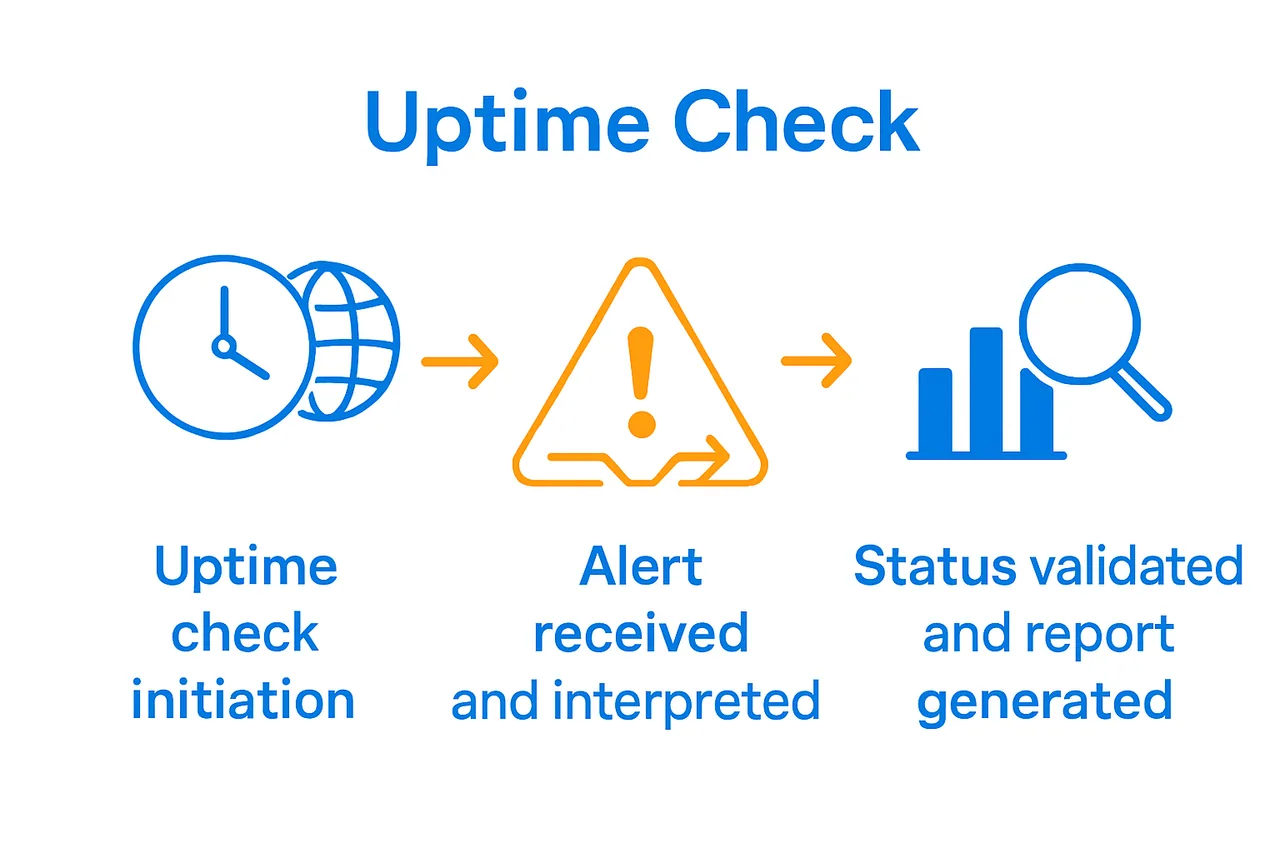
Regular monitoring tool assessment goes beyond simple status checks. Review your monitoring provider’s status pages and release logs to understand the reliability of your monitoring infrastructure itself. This practice helps ensure that your monitoring tools are functioning correctly and providing accurate, timely information about your website’s performance.
ProTip: Create a standardised reporting template that allows quick visual assessment of your website’s performance. Include key metrics, potential impact areas, and recommended actions to streamline your response process.
By systematically validating and reporting site status, you transform monitoring from a passive activity into a strategic tool for maintaining exceptional online performance.
Ensure Your Website’s Uptime Matches Your Business Ambitions
Maintaining reliable website uptime is not just a technical necessity but a critical business requirement. As you discovered in the article, timely detection of downtime and accurate interpretation of alerts are essential to protect your online reputation and revenue. Challenges like pinpointing root causes, configuring the right monitoring frequency, and producing actionable performance reports can overwhelm your team if your digital infrastructure is not optimally designed.
At Cloudfusion, we understand the pain of inconsistent uptime and slow response times. Our tailored web design and development solutions focus on building robust, scalable, and high-performing websites customised for your unique business needs. We integrate advanced monitoring capabilities and industry best practices so you stay ahead of performance issues and ensure your site is always operational for your customers.
Take control of your website’s reliability today. Explore our web design and development quotation and equip your business with solutions that deliver uptime stability, seamless user experiences, and measurable digital success.
Frequently Asked Questions
How can I determine the uptime monitoring needs for my website?
To determine your uptime monitoring needs, assess your website’s traffic volume and user expectations. Identify key performance metrics like uptime percentage and response times, and focus on monitoring parameters that directly relate to your business objectives.
What features should I look for in uptime monitoring tools for my business?
When selecting uptime monitoring tools, consider features like real-time alerts, detailed performance reports, and the ability to perform various monitoring checks. Look for tools that offer comprehensive services such as HTTP/HTTPS checks and transaction monitoring for better insights into your website’s health.
How often should I check my website’s uptime?
The frequency of uptime checks should depend on your website’s criticality. For essential business sites, check every 1-2 minutes; for less crucial sites, consider checks every 15-30 minutes to balance thorough monitoring with server load.
What should I do when I receive an uptime alert?
When you receive an uptime alert, prioritise the alert based on its severity and implement your response protocol. Conduct a root cause analysis using tools for network path analysis to identify and address the underlying issues swiftly.
How can I validate my website’s status after monitoring?
To validate your website’s status after monitoring, create availability summary reports focusing on key metrics like uptime percentage and response times. Look for patterns in the data that may indicate areas needing maintenance or improvement.
What steps can I take to interpret uptime reports effectively?
To interpret uptime reports effectively, review the key metrics provided and focus on total uptime percentage and frequency of issues. Create a standardised reporting template that allows for quick visual assessment and outlines recommended actions based on your findings.