Start with the billing record.
Shiplogic supplies the invoice information for the accounting handoff.


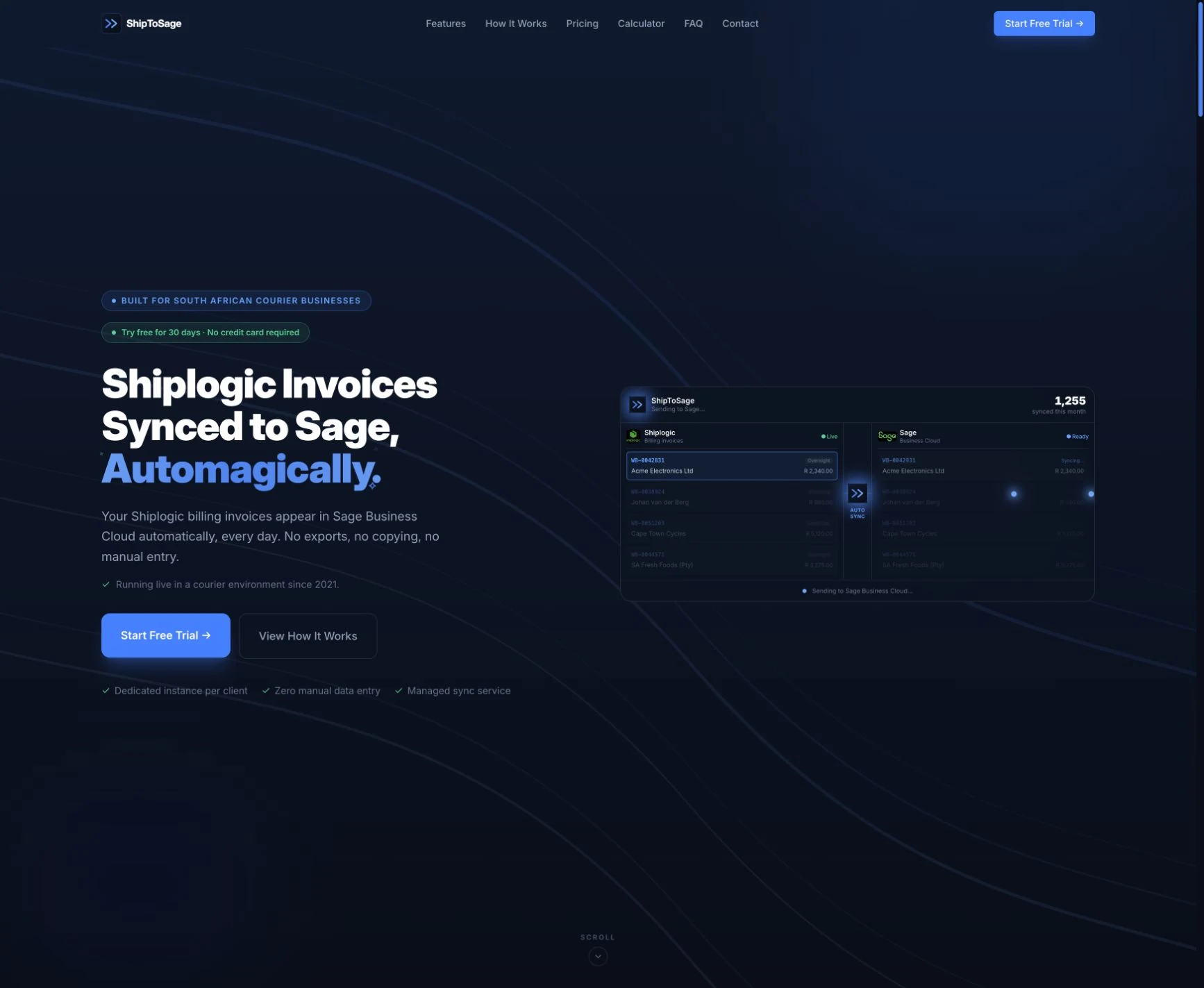
An invoice integration product connecting Shiplogic with Sage. The work follows the invoice into accounting and keeps review, retry and catch-up processing part of the workflow.
Explore the experience ↓Cloudfusion integration product · Shiplogic-to-Sage invoice synchronisation · Review, retry and catch-up processing
Courier billing and accounting belong to separate systems. Moving the invoice information between them needs a defined handoff and a way to deal with records that need attention.
We built a Shiplogic-to-Sage synchronisation solution and present that integration capability as ShipToSage. The delivered MTE Xpress integration provides a related example of the underlying business workflow.
A connected invoice workflow needs more than a successful first transfer.
Shiplogic supplies the invoice information for the accounting handoff.
The integration connects the invoice information with the accounting system.
Successfully synchronised invoices become available to the accounts team in Sage.
Records needing attention can be reviewed and retried, with catch-up processing for missed batches.
The opening shows the product website preview with illustrative invoices. It is not a live finance dashboard or evidence of a transaction count.
A custom connection between Shiplogic billing and Sage accounting.
Review, retry and catch-up processing support records that need further attention.
A product website preview explains the invoice handoff without exposing live customer records.
ShipToSage brings courier billing and accounting into a defined invoice workflow. The integration story includes the transfer and the follow-up for exceptions. Its product website is shown as a preview; illustrated values are not claimed as customer results.
Successfully synchronised Shiplogic invoices become available in Sage for the accounts team.
Review, retry and catch-up processing keep attention on records that require further work.
Adjust the music and interaction sounds to suit you. Music keeps playing as you explore or switch tabs.