Real connections, built around real business processes. Explore what changed for the people using them.
01 / MTE XPRESS
From shipping invoice to accounting record.
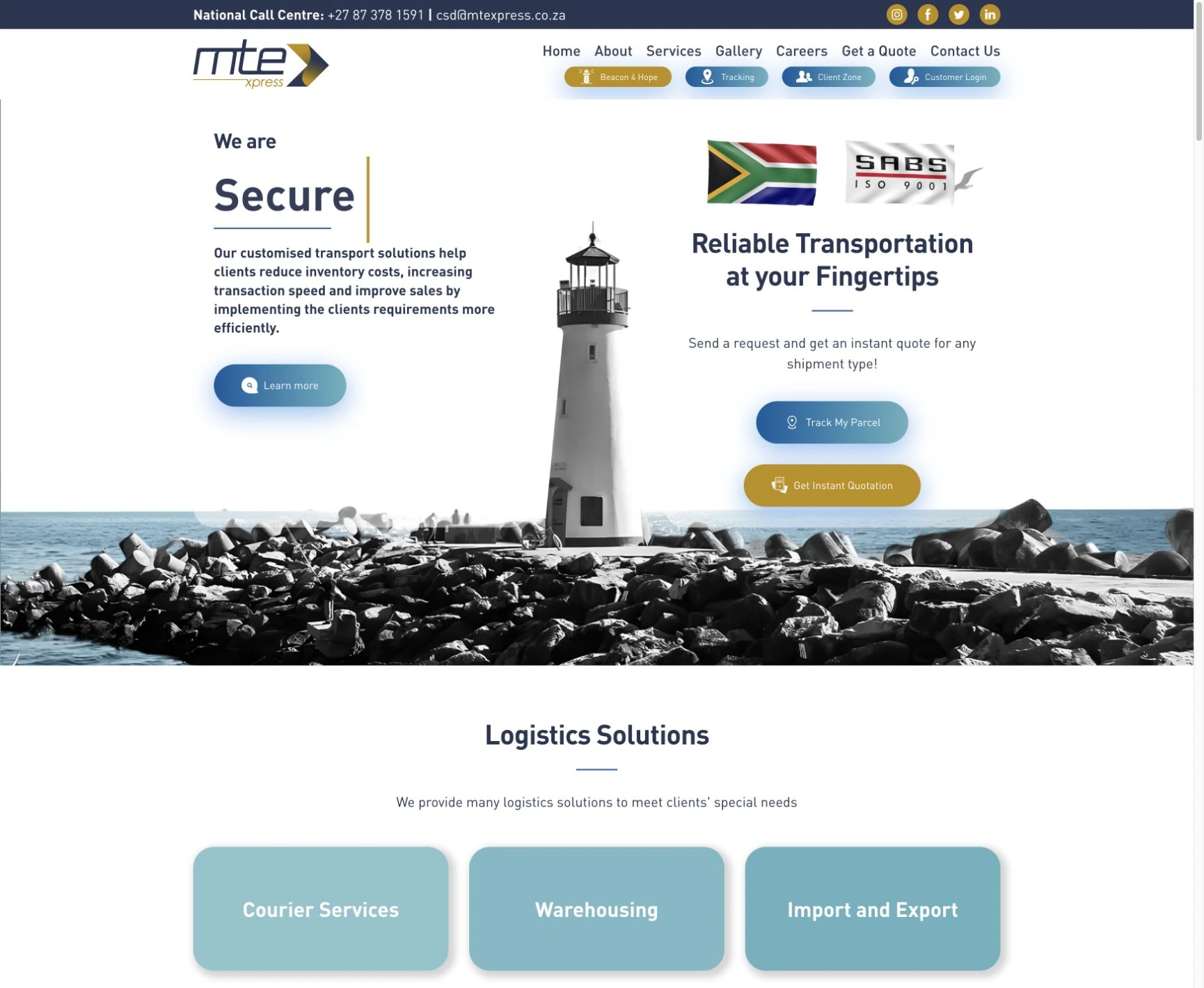
We built a separate Shiplogic-to-Sage invoice sync solution for MTE Xpress. Successfully synchronised invoices become available to the accounts team in Sage, with review, retry and catch-up processing for records that need attention. An ongoing relationship, from the day the business began.
BigBore’s custom store connects payment confirmation, customer and invoice records, fulfilment and transactional messages. The team can follow payment, shipment and Sage invoice status together, including the follow-up for cancellations and returns.
From one repeated task to a connected business workflow. Start where a useful connection will make the biggest difference.
01
Let the information travel.
Connect accounting, logistics, e-commerce, customer platforms and custom software. Map the records and agree which system owns each piece of information.
SYSTEMS & API INTEGRATION02
Make the next step happen.
Turn a payment, order or approved request into the next action. Use webhooks, scheduled synchronisation or a custom service to suit the pace of the process.
WORKFLOW & BUSINESS AUTOMATION03
Keep people in control.
Bring status, exceptions and important decisions into view. Agree what can happen automatically and where a person needs to check, approve or intervene.
VISIBILITY & HUMAN REVIEW
03 / THE WHOLE JOURNEY
Designed for the real world.
A successful transfer is the beginning. The connection also needs a clear way to handle what happens next.
A CLEAR PATH FOR EXCEPTIONS
Review→Resolve→Retry
Back into the workflow.
01
The same event arrives twice.
Plan how to identify duplicates and avoid repeating the same action.
02
A service is unavailable.
Define retries, record what needs attention and give the team a recovery path.
03
Someone needs to know what happened.
Agree useful logs, status visibility and reconciliation, with appropriate access to the data.
The right safeguards depend on the workflow. We establish them as part of the scope.
04 / FROM IDEA TO EVERYDAY USE
Start with one useful connection.
Tell us what happens now and what you want to happen instead. We turn that into a defined, testable first phase.
Map the working day.
Start with the systems, the repeated work and the result you need. Establish the source of truth, the people involved and what a successful handoff looks like.
You review: a workflow map & a focused first phase
Check the connection.
Review API access, permissions, data quality, event timing and platform limits. Work through the exceptions and confirm feasibility before committing to the build.
You receive: proposed scope, dependencies & a quote
Build. Test. Reconcile.
Develop the connection and test representative records, duplicates, failures and recovery. Compare the result in both systems so the team can review what was transferred.
You review: working transfers & exception handling
Put it to work.
Agree the rollout, handover and ownership of monitoring. Define support and what happens when a provider changes its API or the business needs a new workflow.
You receive: handover & an agreed support plan
05 / TECHNOLOGY WITH A JOB TO DO
The connections. And the craft behind them.
Direct APIs, webhooks, scheduled sync or a custom integration service. The process determines the approach. These platforms appear in our delivered work.
Logistics → accounting
Shiplogic · Sage
Invoice synchronisation, including review, retry and catch-up processing.
Often, yes. We first check the APIs, permissions, export options and commercial terms available. Share the system names and the information you want to move. We confirm feasibility before proposing an implementation; access to one API does not guarantee every workflow is supported.
Does synchronisation happen instantly?
It depends on the process and the platforms. A webhook can trigger work after an event; scheduled synchronisation moves records at agreed intervals. We establish how quickly the business needs the update, then design around provider limits and recovery requirements.
What happens when a transfer fails?
We define how failures are recorded, who needs to know and how a record can be corrected or retried. Duplicate protection and reconciliation are part of that planning. MTE Xpress’s delivered invoice sync includes review, retry and catch-up processing.
How do you approach access and data security?
We establish which data is necessary, who may access it and how credentials, permissions and logs will be managed. Retention, sensitive fields and approval steps are agreed around the actual systems and business requirements. We do not need your passwords in the initial enquiry.
How much does an integration cost?
The quote depends on the systems, access, data mapping, volume, exception handling and support requirements. A focused connection and a business-wide workflow need different scopes. We establish a useful first phase before quoting. Platform subscriptions, API charges and ongoing hosting or support are considered separately.
Can you improve an existing integration?
Yes. We can review the current connection, logs and workflow to understand what is working and where it needs attention. A focused repair, extension or better recovery path may be more useful than a full replacement.
Does automation need AI?
No. Defined rules are often the right fit for orders, invoices and system updates. AI may help with less structured work such as document extraction or request classification. It needs a defined job, appropriate permissions and a way to review important outputs.