
Wonki Ware
Shopify development · E-commerce improvements
Retail & e-commerce

Your software already holds years of work, knowledge and decisions. We help you build on that investment: take over support, add useful capabilities and modernise with a clear plan.
Find your next improvementStart with the change you need. Assessment, development and ongoing support are agreed separately.
Scope & costA familiar system. A useful new capability.
Focused improvements to existing websites and stores. New capabilities within continuing relationships. Three examples of building on what a business already has.
Wonki Ware’s existing Shopify store continues to evolve through our development and support. Visual navigation, product and collection presentation, checkout troubleshooting and shipping configuration build on the store and identity already in place.
Explore the full storyShopify development · E-commerce improvements
Retail & e-commerce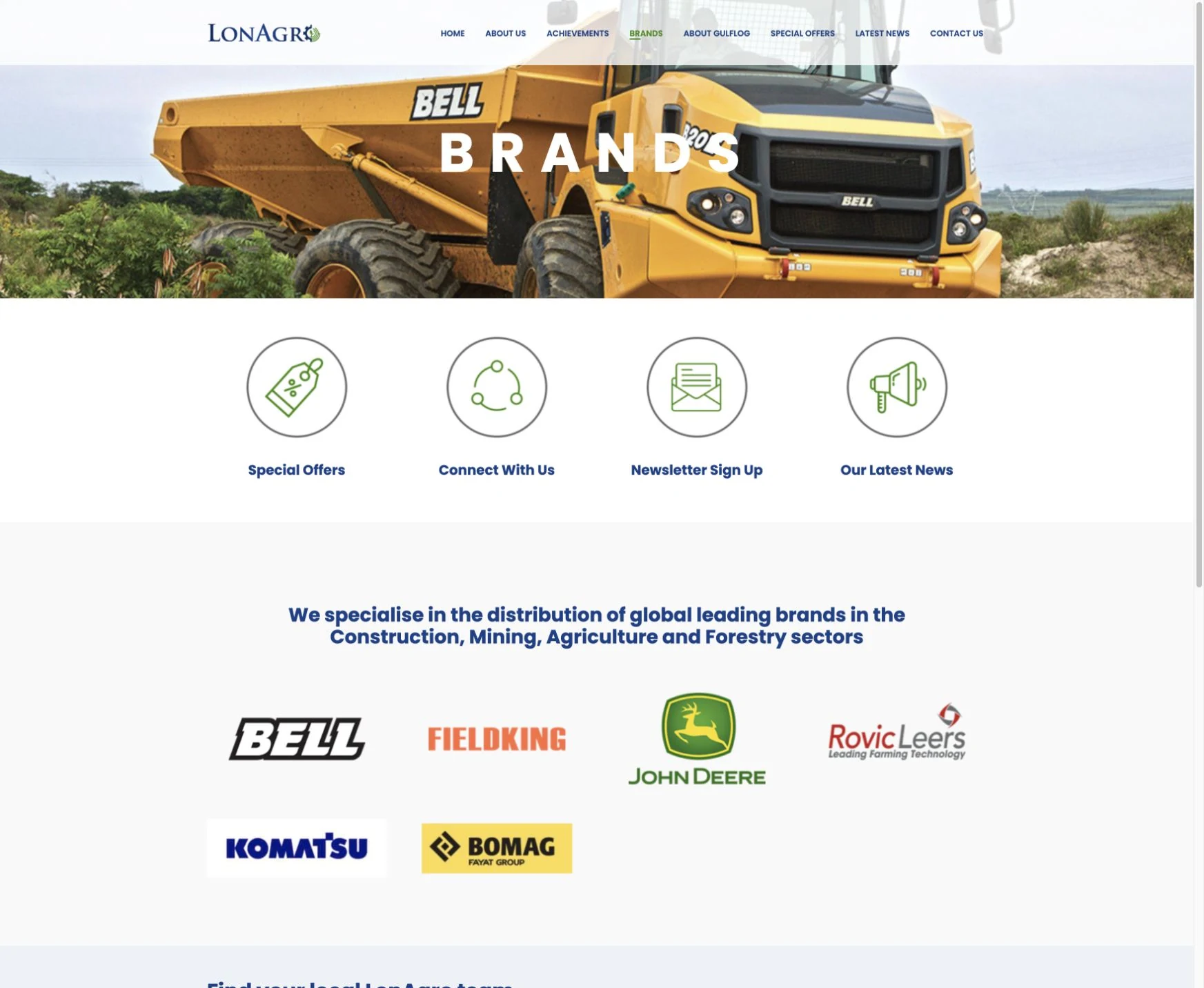
Website improvements · Dealer enquiries · Site care
Engineering & industryA clearer journey within an existing website.For LonAgro, we improved a WordPress website originally built by another agency. Updated brand content, a brand-and-country enquiry selector and targeted mobile and accessibility refinements sit within an ongoing site-care programme.
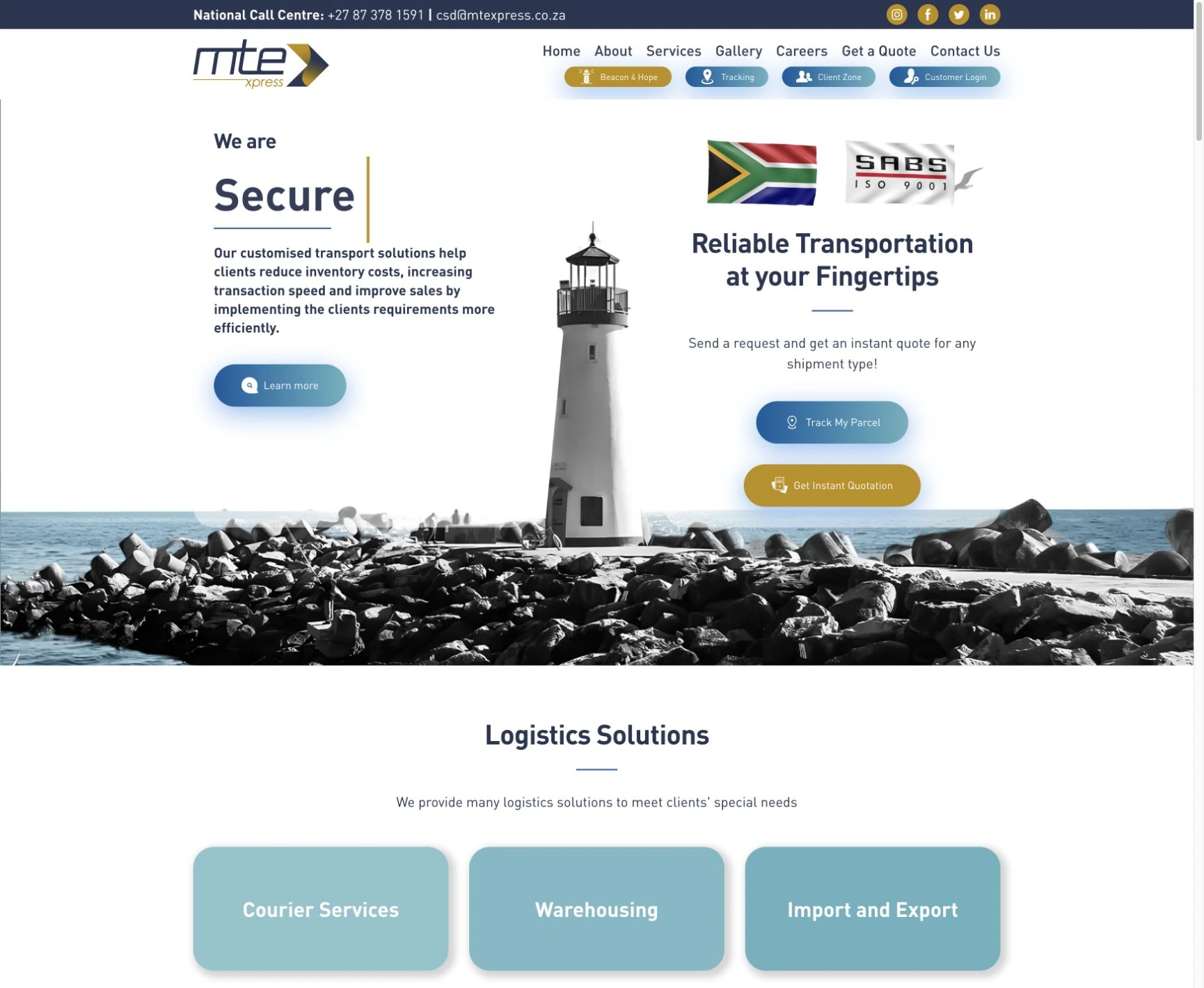

Logo · Website · Domain & hosting · Microsoft 365 · Shiplogic–Sage sync
Logistics & tradeA relationship that grows with the business.Cloudfusion has supported MTE Xpress from its start: logo, website, domain, hosting and Microsoft 365. A separate Shiplogic-to-Sage invoice sync solution later added a new capability, with review, retry and catch-up processing.
You may need a new development partner, one specific capability or a longer-term upgrade path. We establish the right starting point together.
Establish who owns the code, access and services. Understand the current build, investigate recurring issues and agree a workable support and release process before committing to ongoing changes.
A CLEAR HANDOVER · RELIABLE FOUNDATIONSAdd the report, workflow, interface or connection your team needs. Follow how people use the system, then scope a useful addition and check the journeys it touches.
NEW CAPABILITIES · FAMILIAR WORKFLOWSReview ageing components, usability and the effort of maintaining the platform. Compare targeted upgrades, phased replacement and a rebuild, with clear reasons for the recommended route.
INFORMED CHOICES · MANAGEABLE PHASESBegin with an agreed system review. Turn the unknowns into a practical, written improvement plan before committing to the next development phase.
See how the review becomes a releaseThe valuable workflows, data and capabilities to carry forward.
Priorities, risks, dependencies and the questions still to resolve.
A recommended first phase, acceptance criteria and a basis for scoping cost.
Review scope, fee and access requirements agreed before work begins.
Keep the business context in view. Each phase has an agreed purpose, something tangible to review and a decision about what happens next.
Start with the people who use it and the outcome you want. Review the available code, documentation, access, dependencies, data and deployment setup within an agreed assessment scope.
You receive: a current-state summary, findings & open questionsSet out what to retain, what to improve and what needs deeper investigation. Prioritise a first phase, explain the dependencies and agree acceptance criteria, responsibilities and costs.
You receive: a written improvement plan & a scoped next phaseUse a suitable test environment, check the affected journeys and plan backups, release and rollback. Agree handover and support around the change, then review it in use.
You review: the working change, verification & release planA focused change can have a different budget from a full rebuild. We’ll review what already exists and the improvement you need.
System condition, access, dependencies and the reach of the change determine the work. Assessment, development and ongoing support are agreed separately.
Talk through your system Tell us what you use and what you want to achieve.Yes, subject to a review of the platform, code quality, access and ownership. We first establish whether we can maintain and change it responsibly. Access to the source, services and deployment process is usually needed for custom software. We confirm the fit and any handover requirements before agreeing ongoing work.
That decision follows the review. We compare the change you need with the condition of the system, ongoing maintenance effort, dependencies and business impact. The recommendation may be a focused fix, new functionality, a phased upgrade or a replacement. You receive the reasons and trade-offs before choosing the next phase.
For an agreed assessment, you receive a current-state summary, prioritised findings, known risks and open questions, and a recommended improvement plan. We identify a useful first phase, what access or decisions it needs and how it would be verified. The depth, fee and deliverables of the review are agreed before work begins.
Start with what you know: the system name, who uses it, who hosts it and what you want to change. We identify the access and ownership gaps together. Missing source code, licences or administrator access can limit what is possible and may need to be resolved with the current provider before development starts. Please do not send passwords in the enquiry.
We plan changes around the live operation, using a separate environment where available and agreeing verification, backup, release and recovery steps. Some changes need a maintenance window or a data migration. We establish that before release; uninterrupted availability cannot be assumed for every change.
Our work includes custom web applications and integrations, Shopify store improvements and WordPress development and care. Platform, version, dependencies and access determine whether a specific system is a suitable fit. We assess the actual setup before agreeing a takeover or ongoing support.
A focused change can have a different budget from a full rebuild. We agree the assessment scope first, then quote a defined improvement phase based on the findings. Ongoing support, hosting and third-party subscriptions are considered separately. Response times and support coverage are agreed explicitly; a project enquiry does not create an emergency support agreement.
Explore the questions behind the decision.
Explore Existing SoftwareBring the system you have and the progress you want to make. We’ll help you find the next useful step.
Find your next improvementAdjust the music and interaction sounds to suit you. Music keeps playing as you explore or switch tabs.