Equip the team.
Microsoft 365 and Google Workspace licensing, setup, migration and administration. Choose an environment around the people using it, then put the accounts and domains in place.
MICROSOFT 365 · GOOGLE WORKSPACE

The right email. A domain you control. A home for your website. We help set up, move and support the practical technology your team uses every working day.
Plan your setup or moveClear setup and ongoing costs. One-off work, subscriptions, renewals and support are scoped separately.
Scope & costThe essentials in place. A clear way forward.
Start with what your team needs to do. We help choose, configure and support the services that fit.
Microsoft 365 and Google Workspace licensing, setup, migration and administration. Choose an environment around the people using it, then put the accounts and domains in place.
MICROSOFT 365 · GOOGLE WORKSPACEBusiness email setup, mailbox migrations and troubleshooting. We review users, current mail and domain settings before agreeing the move.
BUSINESS EMAIL · MIGRATIONSDomain registration, transfers, renewals, DNS and web hosting. Cloudflare configuration can be included where it forms part of your website setup.
DOMAINS · DNS · HOSTING · CLOUDFLAREPlan shared file access around your users, permissions and existing Microsoft 365 or Google Workspace environment. Agree the storage, sharing and migration requirements before choosing a plan.
SHARED ACCESS & FILE MIGRATIONChoose a domain and compare hosting. Continue in your Cloudfusion client portal to confirm availability and complete checkout.
Before ordering, read the Terms and Conditions, including cancellations and domain costs and hosting refunds. See what carries across to the client portal.
Not sure what fits, or moving a website and email?
Let’s plan it togetherThe relationship can begin with a domain, a website or business email—and develop as the business does.
MTE Xpress began with a Cloudfusion-designed logo and website, alongside its domain, hosting and Microsoft 365. A later Shiplogic-to-Sage integration grew from that continuing relationship.
Explore the full story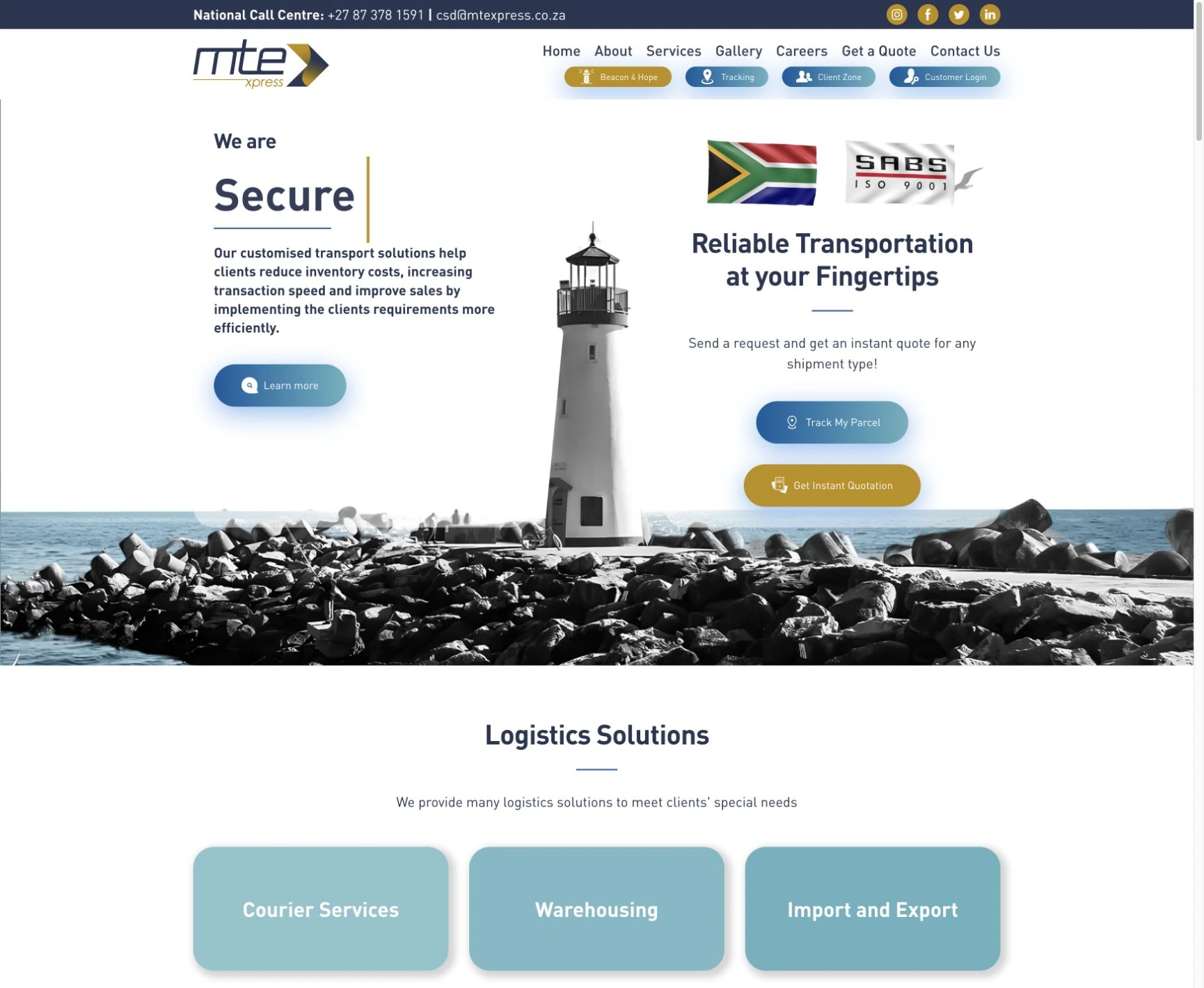

Logo · Website · Domain & hosting · Microsoft 365 · Shiplogic–Sage sync
Logistics & trade
Corporate website · Investment portfolio · Webflow
Finance & investmentSupport beyond the first launch.GulfLog Africa’s corporate website is part of a continuing partnership, with content and design updates and ongoing technical work as requirements develop.
Before a move or a new setup, we establish the service scope, ownership and ongoing arrangement. You should know what happens next.
The one-off work, sequence, timing and checks needed for the change.
The recurring products, licence requirements and renewal responsibilities.
Who administers what, how to request help and the support terms agreed.
Access is arranged through an appropriate handover. Never include passwords or recovery codes in an enquiry.
Email, domains and websites often depend on one another. We plan the change with those connections in view.
Confirm the services, account ownership, users, domain records and dependencies involved. Establish what needs to stay and what needs to move.
YOU RECEIVE / AN AGREED SCOPE AND RESPONSIBILITIESSet the migration or setup sequence, timing, checks and recovery approach. Agree any expected interruption before work begins.
YOU RECEIVE / A PRACTICAL SETUP OR MIGRATION PLANVerify the agreed email, website or account functions after the change. Confirm the handover and the support arrangement for what comes next.
YOU RECEIVE / CHECKED SERVICES AND A CLEAR SUPPORT ROUTEServices are scoped around your users, products, storage, migration needs and support arrangement.
We distinguish one-off work from subscriptions, renewals and ongoing support. Share what you have now; we’ll help establish what belongs where.
Plan your setup or moveOften, yes. We first check domain ownership, your current service and the intended destination. A domain transfer and an email migration are separate changes and do not always need to happen together.
That depends on how the team works, the applications you use, administration needs and licensing requirements. We help compare the relevant options before you commit to a plan.
Some changes can involve interruptions or a period of DNS propagation. We review dependencies, plan the sequence and agree the expected impact and checks beforehand. Zero downtime is not assumed.
Ownership and administrative responsibilities are agreed during setup or handover. We establish the account holders, recovery contacts and access needed to manage the service properly.
Yes. One-off setup or migration, recurring subscriptions, hosting, renewals and ongoing support are identified separately in the proposal. Product and licence costs depend on the plan and scope agreed.
Use the client portal’s support route so the request is connected to your account. New setups, moves and service enquiries can start with the guided form on this page. Support scope and response arrangements depend on your service agreement.
Explore the questions behind the decision.
Explore Business TechnologyA new team, a better email setup or a website that needs a home. Tell us what you’re planning.
Plan your setup or moveAdjust the music and interaction sounds to suit you. Music keeps playing as you explore or switch tabs.