
Business email and Microsoft 365: what to get right
Plan business email around domain ownership, Microsoft 365 licences, migration, account access and support, with examples from Cloudfusion projects.
Start reading
Business email at your own domain gives customers a consistent address to recognise. The setup also needs to work for the people behind it: accounts should be under the business’s control, staff need the right access and someone needs to handle delivery problems or a change of provider.
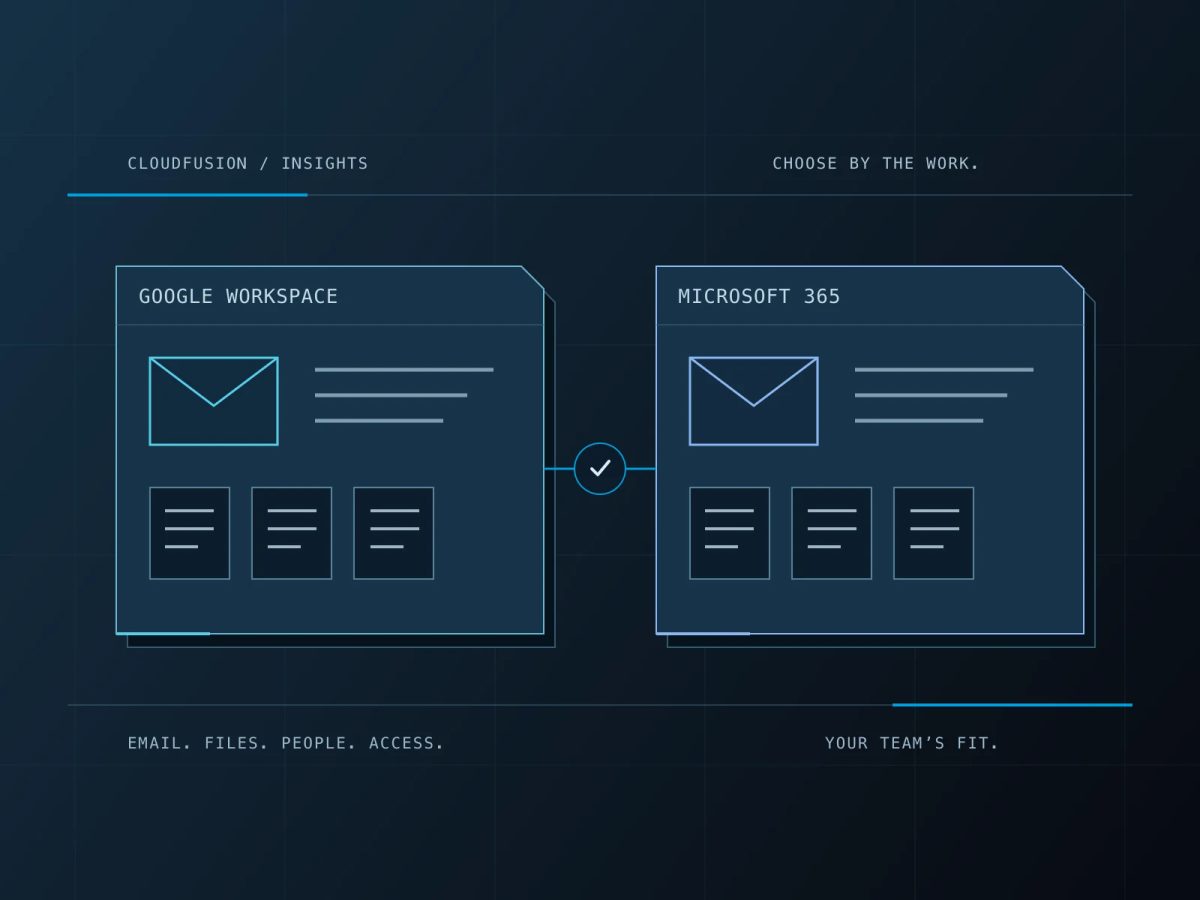
Microsoft 365 is one option for email and workplace tools. Choosing it involves more than buying a licence. Start with how your team uses email, which information must be kept and who will support the service.
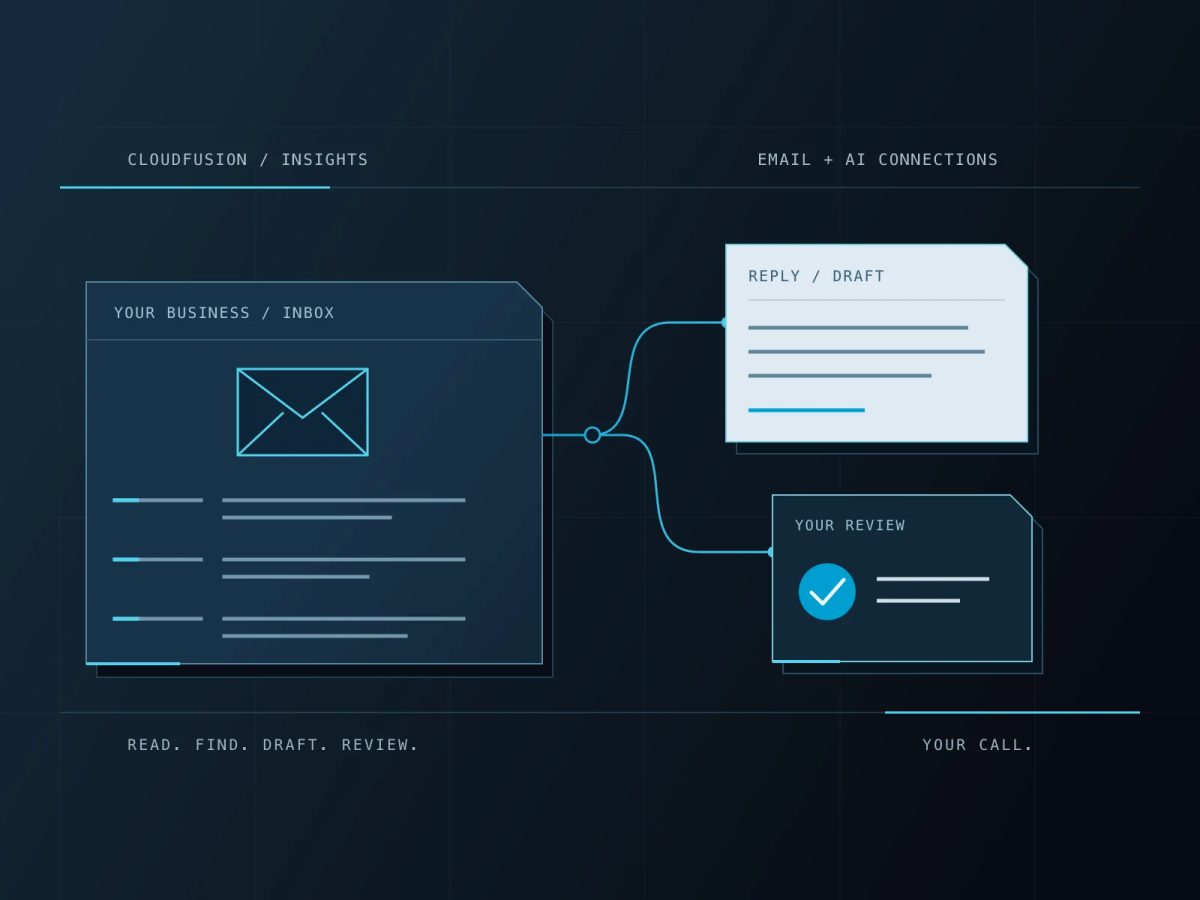
Want to use AI with your inbox? Our guide to connecting business email to ChatGPT or Claude explains which accounts work, when a move to Google Workspace or Microsoft 365 helps, and what to check before giving an assistant access.
Keep the domain and accounts under business control
Confirm who controls the domain registration, DNS settings and administrator accounts. Keep recovery details current and make sure the business can regain access if its usual contact is unavailable.
Give staff individual accounts where appropriate. Use supported shared-mailbox or delegation features for addresses such as accounts@ or support@, with the required permissions and licences. Sharing one password makes it harder to manage access when responsibilities change.
Our relationship with MTE Xpress began with its original identity, website, domain, hosting and business email foundations. Microsoft 365 / Office 365 licences form part of the confirmed work. That wider relationship has continued as the business’s technology needs developed.
Choose licences around the work people do
List who needs email, which devices they use and whether they need desktop Office applications, browser-based tools, collaboration or additional security features. Then compare the current plans and their terms.
A mailbox licence and a licence for desktop applications are separate questions. Microsoft’s Exchange Online service description explains supported access and licensing considerations. Check those details for the proposed setup rather than assuming every Microsoft 365 plan includes the same tools.
You can explore the current options on our business software site, or discuss the team’s requirements through our business technology service.
Confirm exactly what an email migration moves
Make an inventory before changing providers. Include mailboxes, aliases, shared addresses, calendars, contacts, local mail archives and the devices people use. Check services that send as your domain too, such as a website form, accounting package or newsletter tool.
The migration method determines what can move. Microsoft’s IMAP migration guidance states that this method copies mail folders, but not contacts, calendar items or tasks. Those need a separately agreed approach.
Agree the timing, recovery arrangement and checks before ending the previous service. Verify older and recent mail, external sending and receiving, shared access and the devices staff actually use. Tell the team what will change and where to get help.
Authenticate the services that send email
SPF identifies authorised sending sources. DKIM adds a signature that receiving systems can check. DMARC checks domain alignment and provides a policy and reporting mechanism. These controls work together; Microsoft explains them in its email authentication guidance.
Include all legitimate sending services when reviewing the setup. Authentication helps receiving systems assess a message, but it does not guarantee inbox delivery or prevent every phishing attempt. Account security, sender reputation and the content and handling of messages also matter.
Plan staff changes and everyday presentation
Document how staff gain and lose access. Agree what happens to business records when someone leaves, and check retention, archiving and backup requirements against the chosen plan. These are different arrangements; confirm what is included and how recovery works.
Branded signatures are another part of everyday correspondence. For Nexotronix, our work includes HTML staff signatures with layout and logo-sizing adjustments for Outlook, alongside the website and business materials. A signature should be checked in the email clients where it will be used, including replies and mobile views.
What do we need for an email review?
Share the current provider, the approximate number of users, the tools they need and any delivery or access problems. You do not need to send passwords. We can help review the licences, migration scope, account setup and support through our business technology service.