Can I connect my business email to ChatGPT or Claude?
Using IMAP or POP email? Find out which connections work, when Google Workspace or Microsoft 365 helps, and what to check before giving AI access to your inbox.
Start reading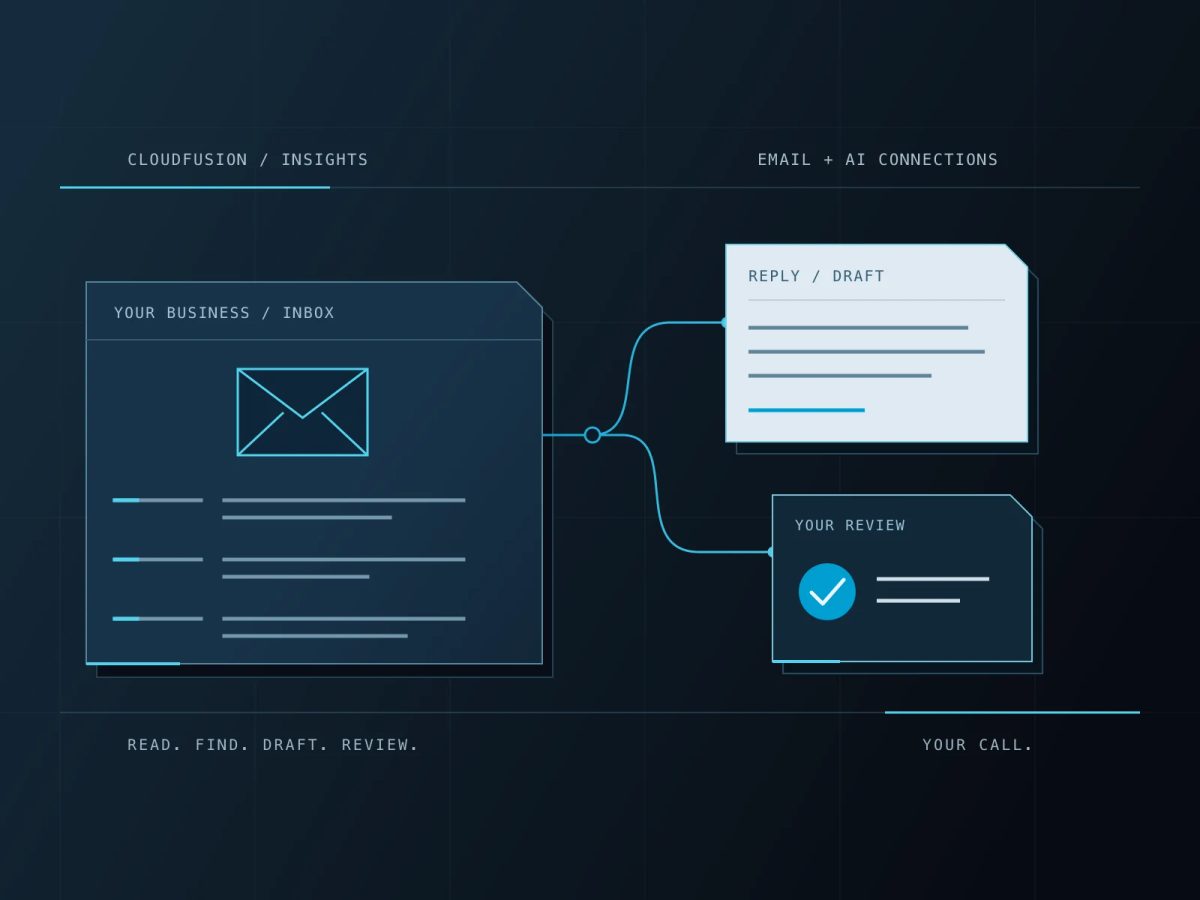
Yes, you can use ChatGPT or Claude with business email, provided there is a suitable connection to the service hosting your mailbox. Gmail and supported Microsoft 365 accounts have direct connection options. A mailbox supplied with your website hosting may need a different approach.
IMAP and POP email is not automatically incompatible with AI, and moving to Google Workspace is not compulsory. The right choice depends on where your messages live, what you want the assistant to do and how your business manages access. Here is how to work that out without needing to become an email expert.
First, find out where your email actually lives
“We use Outlook” describes an application, but it does not tell you who hosts your email. Outlook can open a Microsoft 365 mailbox, a Google mailbox or an account supplied by a web hosting company. Those accounts can have different connection options.
- The email provider stores and delivers your messages. Examples include Google Workspace, Microsoft 365 and a hosting company offering cPanel or webmail.
- The email app is where you read them: Outlook, Apple Mail, Thunderbird or a browser.
- IMAP and POP are ways an app retrieves mail. IMAP synchronises folders with the server. POP downloads messages, and some older mail may exist only on a particular computer.
Ask your provider: “Where is our mailbox hosted, and is it a Google Workspace, Microsoft 365 or ordinary IMAP/POP account?” Your domain name alone will not tell you. Mozilla explains the difference between IMAP and POP.
Signing in to an AI assistant with your business email address does not connect that inbox. Adding a hosted mailbox to Outlook, or creating a Google login with the same address, does not move its messages either.
Which email accounts can connect to ChatGPT or Claude?
Gmail and Google Workspace
Both assistants offer Gmail connections. If your business mail is already hosted in Google Workspace, check the available connection and your administrator’s settings before buying anything new. A personal Gmail account can also be a starting point; a paid Workspace migration is not a universal requirement.
For a business that wants Gmail at its existing company domain, Google Workspace is worth considering. Choose an edition that includes hosted Gmail: simply having a Google account or a Workspace service without Gmail is not enough. Google describes its custom business email options.
Microsoft 365 business email
If your mail is already in Microsoft 365, you may not need to change provider. ChatGPT has an Outlook Email connection. Claude’s Microsoft 365 connector requires a work account in an organisation’s Microsoft environment and administrator setup; a personal Outlook.com or Hotmail account does not qualify for that particular connector.
Using the Outlook app with an unrelated IMAP account does not meet those requirements. Check Anthropic’s Microsoft 365 connection guide and the connection offered in your own ChatGPT account.
cPanel, webmail and other IMAP/POP mailboxes
A Gmail or Microsoft connector should not be assumed to accept an arbitrary mail server and password. However, an integration can sometimes collect incoming messages through IMAP and pass agreed information into an AI workflow. For example, n8n documents an IMAP email trigger.
That is a separate integration to build and maintain, rather than a native ChatGPT or Claude inbox connection. It needs secure credentials, error handling and its own cost assessment. If you only want help with an occasional message, copying a suitable excerpt into an approved AI tool may be enough. Remove information you should not share first.
How to connect your email, step by step
- Pick one useful task. Start with finding messages or preparing replies, rather than handing over the entire working day.
- Check the account and AI plan. Look for Gmail, Outlook Email or Microsoft 365 in the assistant’s available connections. Features depend on the product, plan and organisation’s settings.
- Get the right approval. Your business may require an administrator to enable the connection. Use the provider’s sign-in and permission screen; never paste your mailbox password into a chat.
- Test with a small request. Ask it to summarise one known conversation and link to the messages it used. Check that it found the correct account and thread.
- Try a draft next. Review recipients, facts and attachments yourself before allowing a message to leave the business.
Use the current OpenAI connection guidance and Claude Google Workspace instructions for setup. Their interfaces and available actions change, so confirm the options shown in your account.
What could you actually do with it?
The useful part is asking a question about your working day and getting back to the conversation that needs you. These are examples to test with the connections and permissions you have.
Catch up on customer conversations
Try: “Find customer conversations from this week that appear to need a reply. Show me the original messages and prepare drafts for me to check. Do not send anything.”
You still decide what needs attention. The assistant helps gather the threads and gives you a starting point for each response.
Prepare for a meeting without rereading every thread
Try: “Summarise our latest conversation with this customer. List the open questions, decisions and dates mentioned, with links to the emails.” With an approved calendar or document connection, you can ask for relevant context from those tools too.
Turn a conversation into a useful working note
Try: “Pull the requirements from this enquiry into a brief: what the customer needs, the information still missing and the questions we should ask next. Mark anything uncertain.”
OpenAI’s email workflow example covers inbox review, draft replies and scheduled checks in ChatGPT Work. Scheduling is a product feature to verify, not something every email connection automatically provides.
Connect the next part of the process
A more involved workflow might take an incoming enquiry, suggest a category, create a record in your customer system and prepare an acknowledgement for approval. It could also flag missing details for the team.
That takes integration and automation work, with rules for duplicates, failures and human review. Connecting an inbox alone does not set up that whole process.
When is an email upgrade worth considering?
Moving to Google Workspace or Microsoft 365 can make sense when the team also needs shared calendars, files, central account management and a clearer process for staff joining or leaving. Easier AI connections can be part of the benefit.
If you already have a suitable platform, start with its existing options. If you have a simple hosted mailbox and need one narrow automation, compare an integration with the ongoing cost and administration of a migration.
Keep the costs separate: email subscriptions, AI subscriptions, migration, configuration and ongoing support. Google Workspace does not automatically include a ChatGPT or Claude subscription, and buying Microsoft 365 does not grant every AI feature. Confirm the exact combination before committing.
What should you watch out for?
- Access can be broader than expected. Read the permission screen. Begin with the access the task needs and confirm how to disconnect it later.
- Customer information still needs care. Check your organisation’s rules and the AI provider’s current data-use, retention and training settings before connecting confidential mail. Do not assume all account types have the same terms.
- Finding a message is not the same as understanding everything. Search can miss context, and summaries or suggested replies can be wrong. Open the source when a detail matters.
- Attachments need separate checks. For example, Claude’s Gmail connector can access attachment metadata, but its documented Gmail connection does not read attachment contents directly. Do not assume an assistant has read a file because it found the email.
- An email is not an instruction from you. Treat requests inside messages as untrusted input. An unexpected instruction to disclose data or change a process should not override your rules.
- Keep consequential actions under review. Sending, forwarding, deleting and changing records need explicit boundaries. Start with search and drafts, then expand only after checking the results.
Claude currently supports Gmail sending actions with approval by default, while organisations can configure some permissions differently. The official connector documentation explains the controls. Check your settings rather than assuming every assistant is read-only.
Before moving IMAP or POP email to a new provider
You can often keep an address such as name@yourcompany.co.za when changing email host, provided your business controls the domain and the destination supports it. Moving the website or transferring the domain registration is not automatically required.
Plan these parts of the move:
- Find and back up the old mail. Check computers, local archives and sent folders, especially with POP. A server migration cannot collect messages that are only on a laptop.
- List every address. Include aliases, shared inboxes, forwarding rules and the people who need access.
- Check calendars, contacts and files separately. An IMAP email transfer does not move all of them. Agree the method and what is excluded.
- Test before switching delivery. Check a representative mailbox, older messages, devices and the recovery plan.
- Review domain and sending settings. Include the DNS records used for delivery and sender authentication—often called MX, SPF, DKIM and DMARC—and services such as website forms that send mail.
- Verify the changeover. Check incoming and outgoing mail, staff access and any late-arriving messages before retiring the old service. Then test the AI connection.
Google’s Workspace migration overview and Microsoft’s mailbox migration guidance explain why the method matters.
Common questions
Will changing POP to IMAP make ChatGPT work?
Not by itself. That changes how an email app retrieves messages, not which provider hosts them or which connection an AI assistant supports.
Can I just forward business email to Gmail?
Forwarding selected messages may help a limited workflow, but it is not a complete migration. It can leave out historical mail and sent replies, create another copy of customer data and complicate the address used for responses. Check the implications first.
Can AI reply to customers automatically?
Some products and custom integrations support sending, but the available permissions and safeguards differ. A connected inbox is not automatically an unattended customer service system. Begin with drafts and approval, and agree how exceptions reach a person.
Want your email to do more for your business?
Cloudfusion can review your current setup, help compare Google Workspace and Microsoft 365, plan the migration and configure an agreed AI connection or workflow. We separate licences, implementation and support so you know what is involved.
Our MTE Xpress case study shows how business email and Microsoft 365 fit into a longer technology relationship. It is an example of those foundations and later systems integration, rather than an AI email deployment.
Explore our business email and migration services, read the broader business email guide, or tell us what you would like your email to help you do. Start with the provider you use now, the number of people involved and one task you would like to make easier.
Product documentation checked on 16 October 2026. Connection availability, permissions and licensing can change; use the linked official guides to confirm your current setup.